This is an archive version of the document. To get the most up-to-date information, see the current version.
Step 1. Launch New Job Wizard
To launch the New Job wizard, do the following:
- In the Veeam Backup & Replication console, open the Home view.
- In the inventory pane, select Jobs.
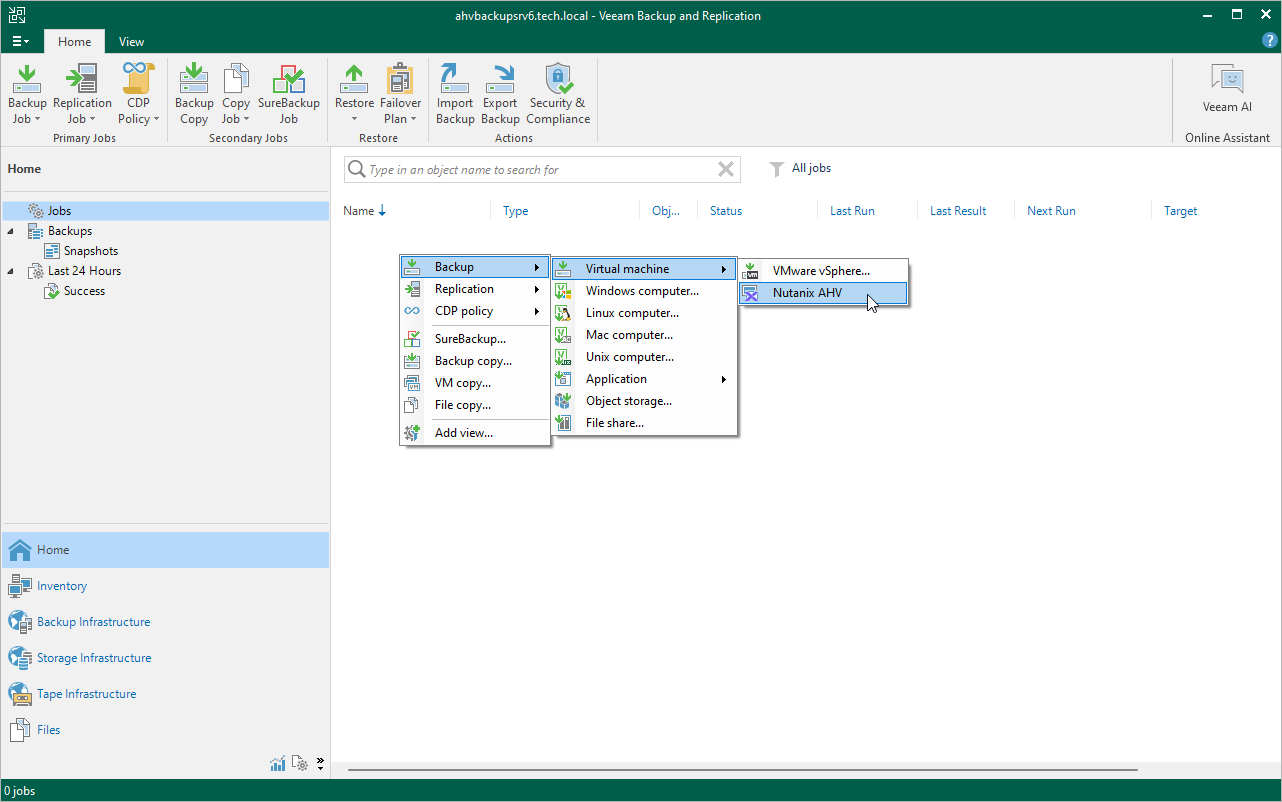
- On the ribbon, click Backup Job > Virtual Machine > Nutanix AHV, or right-click the working area and select Backup > Virtual machine > Nutanix AHV.