 This is an archive version of the document. Starting from version 7, the Veeam Plug-In for oVirt KVM User Guide is part of the Veeam Backup & Replication User Guide. To get the most up-to-date information, see the current version.
Step 5. Finish Working with Wizard
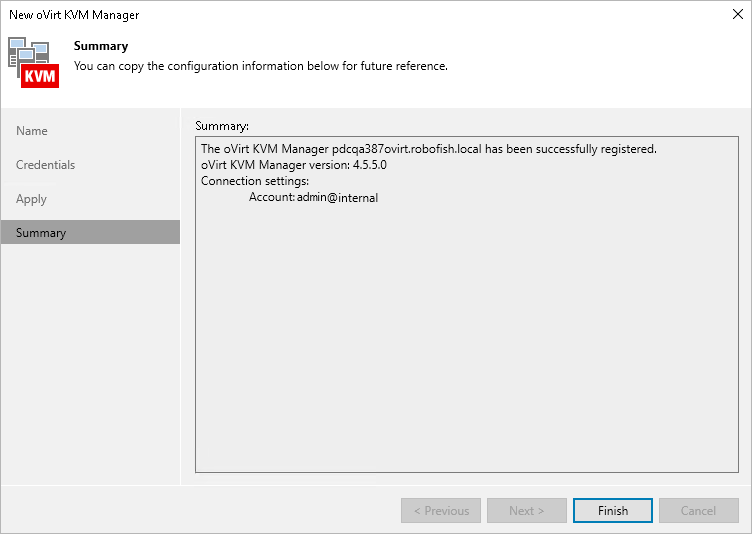
At the Summary step of the wizard, check that the oVirt KVM Manager has been successfully added and click Finish.
|
Tip |
|
After you complete the wizard, it is required that you configure a backup appliance. You can proceed to the New oVirt KVM Backup Appliance wizard immediately, or launch the wizard later as described in section Managing Backup Appliance. |