This is an archive version of the document. Starting from version 7, the Veeam Plug-In for oVirt KVM User Guide is part of the Veeam Backup & Replication User Guide. To get the most up-to-date information, see the current version.
Step 2. Specify Domain Name or IP Address of oVirt KVM Manager
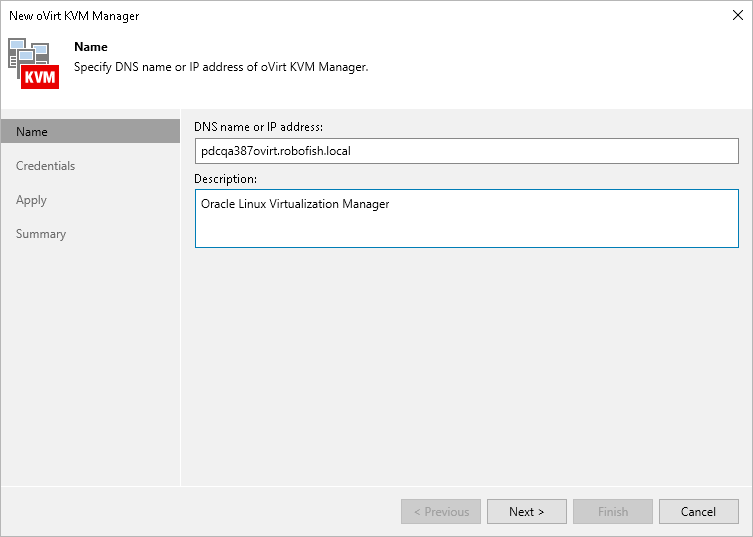
At the Name step of the wizard, do the following:
- In the DNS name or IP address field, enter the FQDN or IP address of the oVirt KVM Manager.
- In the Description field, provide a description for future reference. The field already contains a default description with information about the user who added the manager, date and time when the manager was added.