This is an archive version of the document. Starting from version 7, the Veeam Plug-In for oVirt KVM User Guide is part of the Veeam Backup & Replication User Guide. To get the most up-to-date information, see the current version.
Step 4. Provide Encryption Password
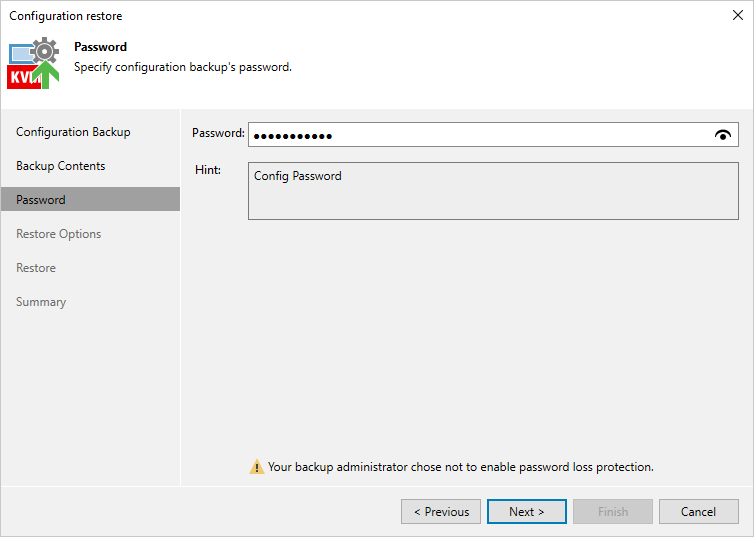
At the Password step of the wizard, provide a password that was used to encrypt the file while creating configuration backup.
If you do not remember the password, you can use an alternative way for data encryption. However, this option is available only if password Loss protection was enabled when you created the backup. For more information, see the Veeam Backup & Replication User Guide, section Decrypting Data Without Password.