This is an archive version of the document. Starting from version 7, the Veeam Plug-In for oVirt KVM User Guide is part of the Veeam Backup & Replication User Guide. To get the most up-to-date information, see the current version.
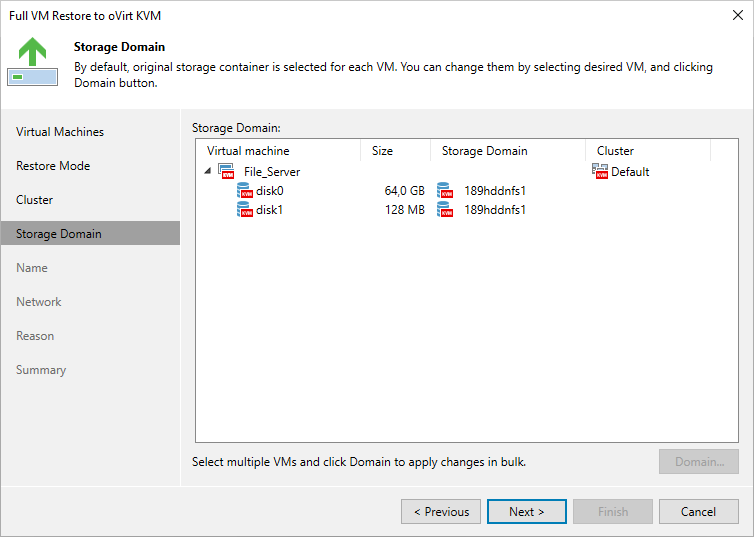
Step 5. Select Storage Domain
[This step applies only if you have selected the Restore to a new location, or with different settings option at the Restore Mode step of the wizard]
At the Storage Domain step of the wizard, choose the storage domain where virtual disks of the recovered VM will be stored.
For a domain to be displayed in the list of the available domains, it must be configured in the virtual environment as described in Red Hat Virtualization documentation or Oracle Linux Virtualization Manager documentation.