Step 12. Review Installation Summary
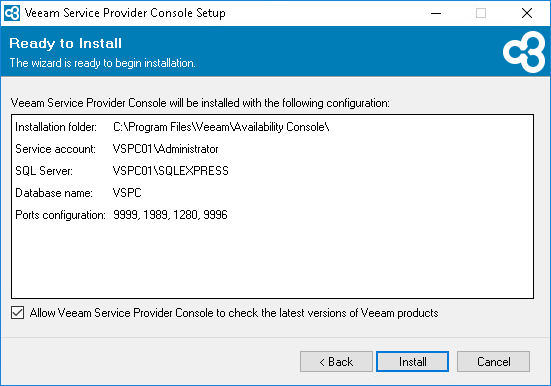
At the Ready to Install step of the wizard, review the provided configuration settings.
Select the Allow Veeam Service Provider Console to check for Veeam product updates check box if you want Veeam Service Provider Console to automatically check for available updates. When a new product build is published on the Veeam update server, a notification will be displayed in Veeam Service Provider Console.
Click Install to begin the installation.