Step 11. Specify Ports
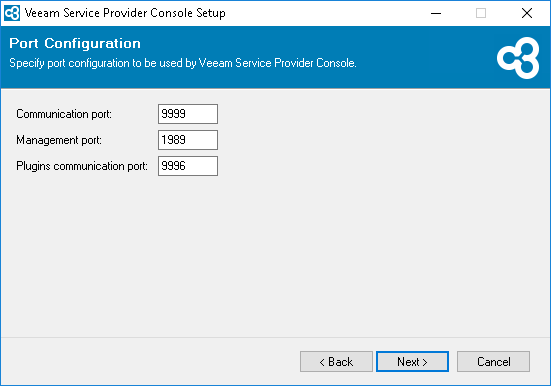
At the Port Configuration step of the wizard, specify port configuration:
- In the Communication port field, type a number of the port on the Veeam Service Provider Console machine that will be used to collect data from cloud gateways and Veeam Cloud Connect server.
The default port number is 9999.
- In the Management port field, type a number of the port that the Veeam Service Provider Console Web UI component will use to communicate with the Server component.
The default port number is 1989.
- In the Plugins communication port field, type a number of the port that will be used to interact with ConnectWise Manage plugin.
The default port number is 9996.