Step 8. Review Installation Settings
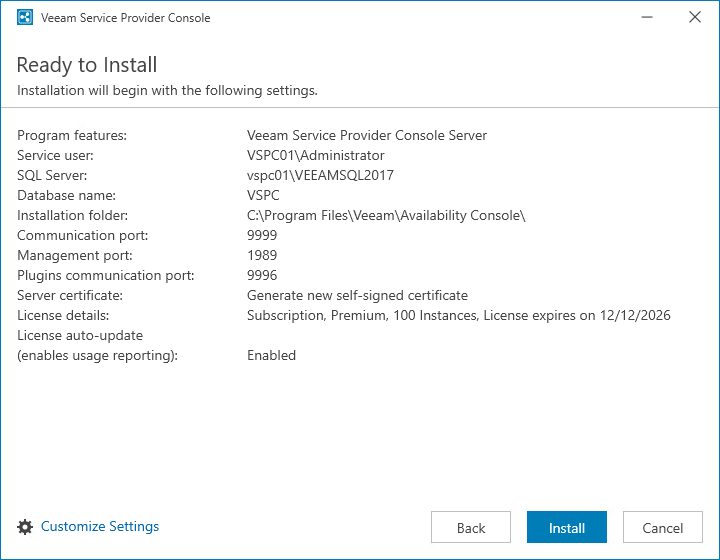
At the Ready to Install step of the wizard, review installation configuration to ensure that you have provided correct settings.
If you need to change any settings in the installation summary, click Customize Settings and proceed to Step 9. Specify Data Location.
Click Install to begin the installation.