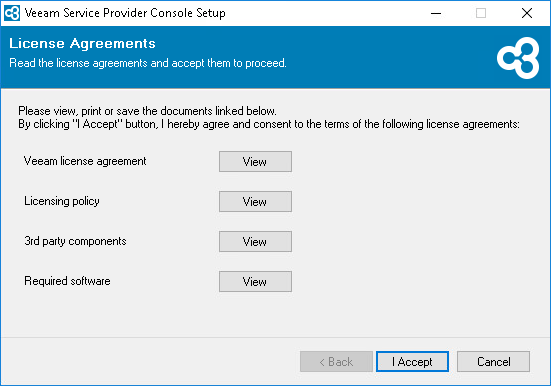
Step 2. Accept License Agreements
At the License Agreements step of the wizard, read and accept the Veeam license agreement, Veeam licensing policy, 3rd party components license agreement and required software license agreement. If you do not accept the license agreement terms, you will not be able to continue the installation.
To read the terms of the license agreements, click the individual links.