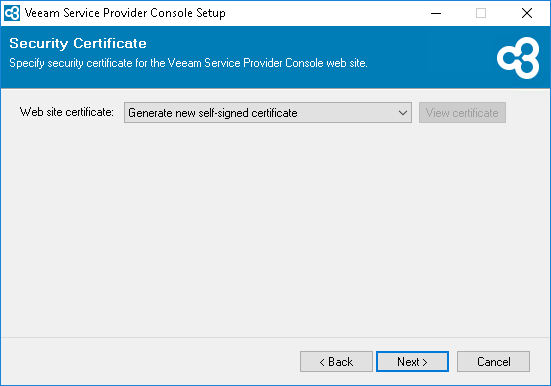
Step 7. Select Security Certificate
At the Security Certificate step of the wizard, select a certificate that will be used to establish a secure connection with Veeam Service Provider Console Web UI component.
You can choose an existing certificate from the Certificate Store on the machine where you run the installation. If for the Veeam Service Provider Console website you generate or choose a self-signed certificate, you will need to configure a trusted connection between Veeam Service Provider Console and the client application. For more information on importing certificates, see Microsoft Docs.
For more information on security recommendations and certificates, see section Veeam Service Provider Console Certificates.