Performing Instant Recovery to Nutanix AHV
You can immediately restore virtual or physical machines to a Nutanix AHV cluster by running them directly from a compressed and deduplicated backup file.
|
Note |
|
This section describes only basic steps that you must take to perform instant recovery to Nutanix AHV. To get a detailed description of all prerequisites and settings of the instant recovery process, see the Performing Instant Recovery of Workloads to Nutanix AHV section in the Veeam Backup & Replication User Guide. |
Instant Recovery in the Veeam Cloud Connect infrastructure is performed to a VM on a Nutanix AHV cluster in your virtual infrastructure. Thus, in this scenario the Instant Recovery to Nutanix AHV wizard does not include the Restore Mode step.
To recover one or several machines from the backup:
- Open the Home view.
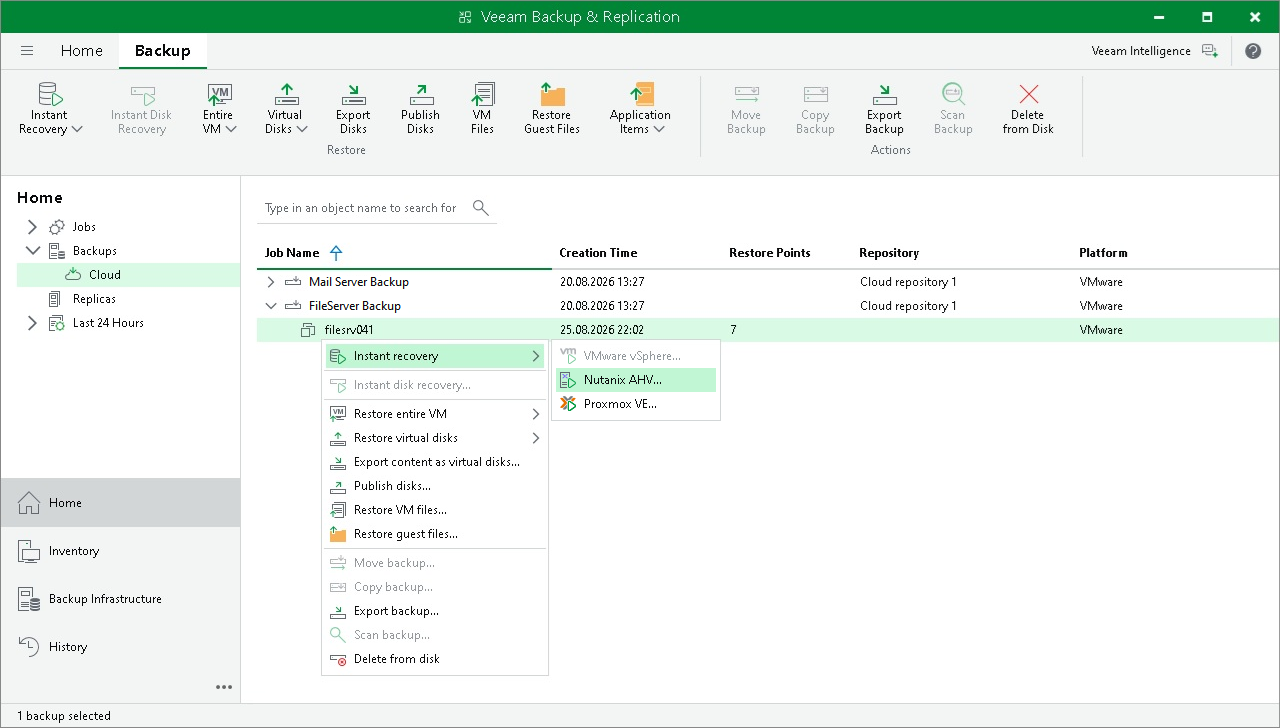
- Select the Backups node in the inventory pane. Expand the backup job in the working area, right-click the necessary VM in the backup job and select Instant recovery > Nutanix AHV.
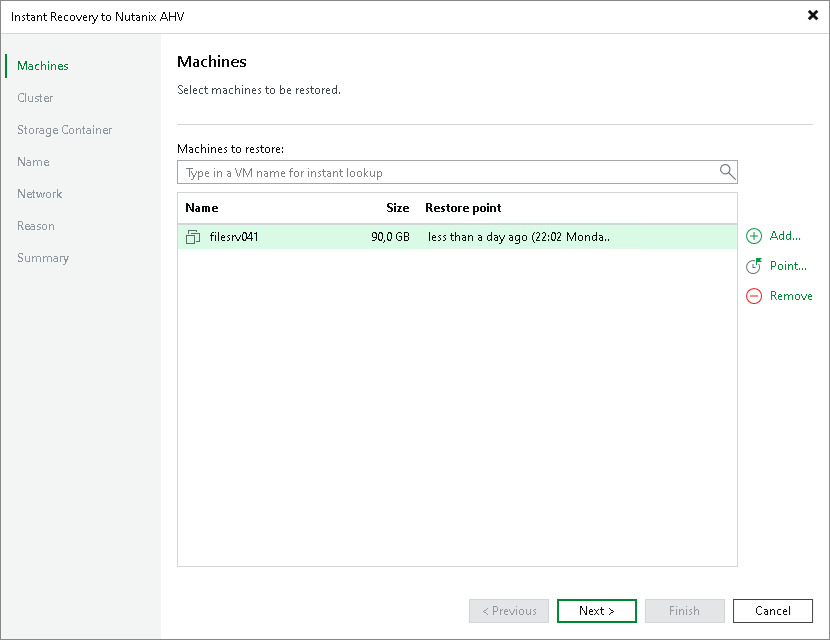
- At the Machines step of the Instant Recovery to Nutanix AHV wizard, select the necessary machine in the list, click Point on the right and select the necessary restore point.
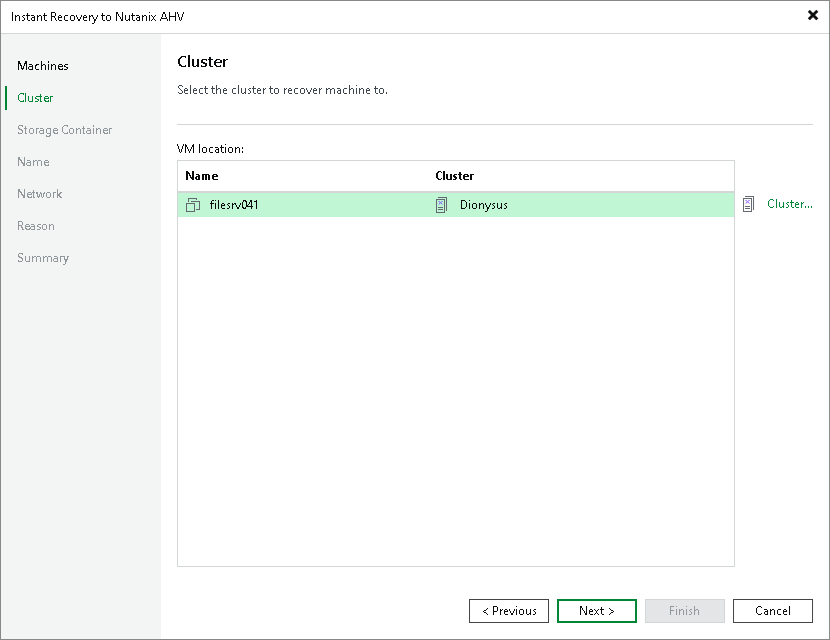
- At the Cluster step of the wizard, choose the cluster to which the recovered VM will belong. In the Prism Central deployment, you can also choose whether you want the recovered VM to be assigned the same categories as the original VM.
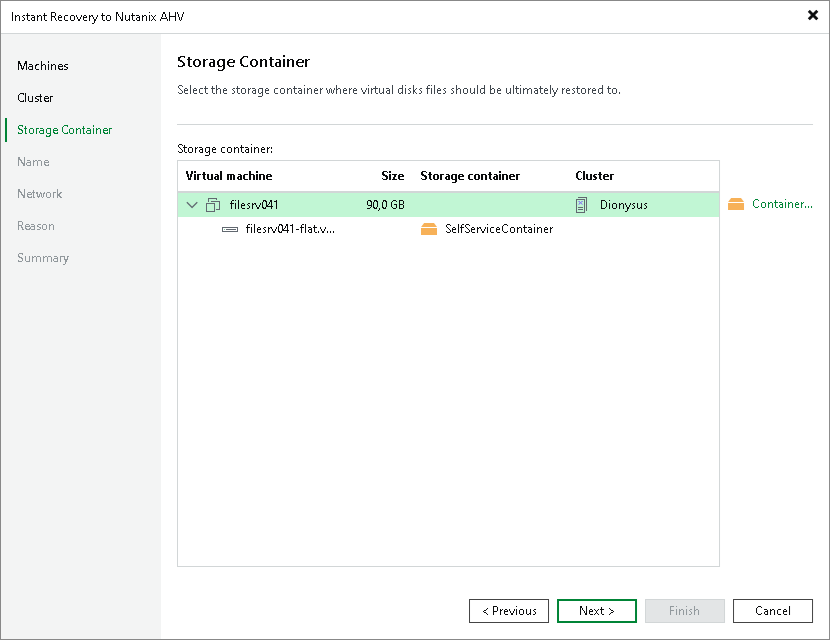
- At the Storage Container step of the wizard, choose the storage container where virtual disks of the recovered VM will be stored.
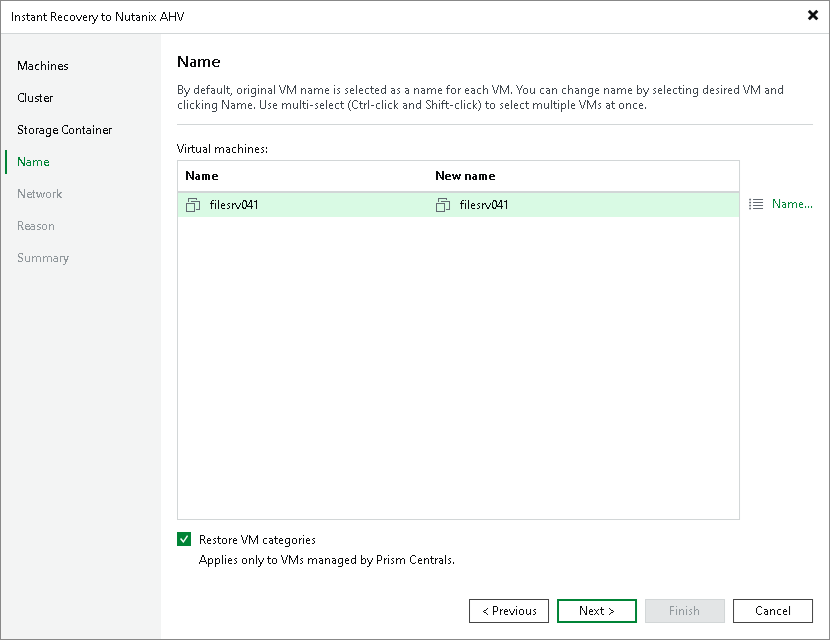
- At the Name step of the wizard, specify a new name for the recovered VM.
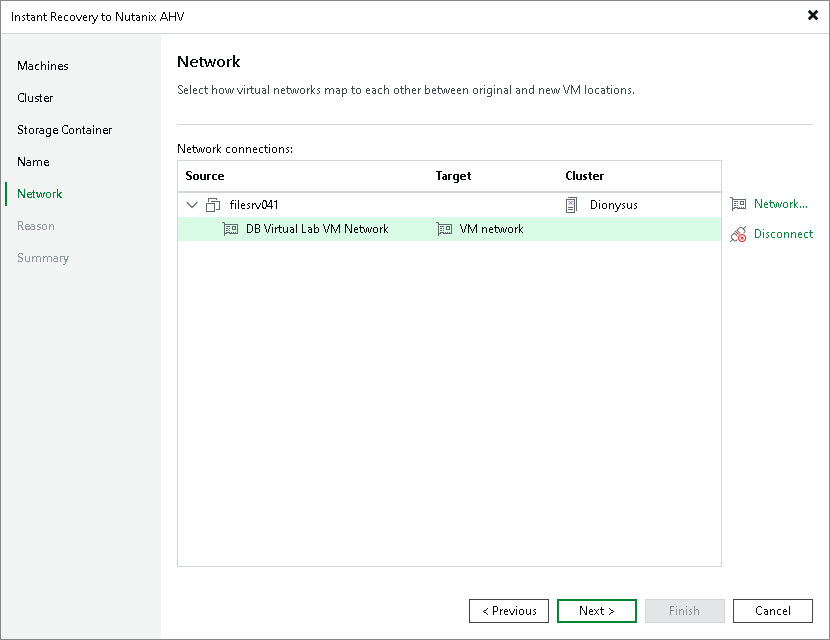
- At the Network step of the wizard, choose a network to which the recovered VM will be connected. If you do not want to connect the VM to any virtual network, select the VM and click Disconnect.
- At the Reason step of the wizard, specify the reason for restoring the VM.
- At the Summary step of the wizard, select the Power on target VM after restoring check box if necessary.
- Click Finish.
After the VM has been recovered, you can choose whether you want to migrate the VM to the production environment or cancel the recovery operation. When migrating VMs, Veeam Plug-in for Nutanix AHV transfers VM disk data to the production storage that you have selected as a destination for the recovered VM.