This is an archive version of the document. To get the most up-to-date information, see the current version.
Step 2. Select Machine
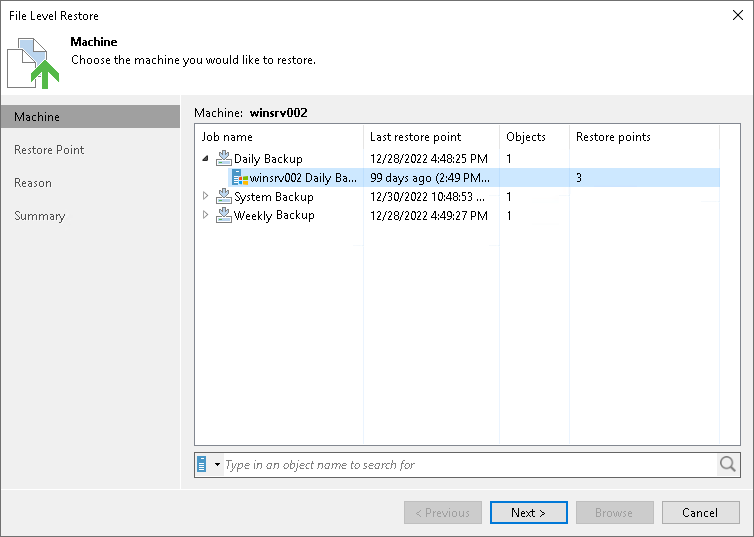
At the Machine step of the wizard, select a backup from which you want to recover data.
To quickly find the necessary backup, use the search field at the bottom of the window: enter a Veeam Agent computer name or a part of it in the search field and click the Start search button on the right or press [Enter].