This is an archive version of the document. To get the most up-to-date information, see the current version.
Accessing vSphere Client Plug-in
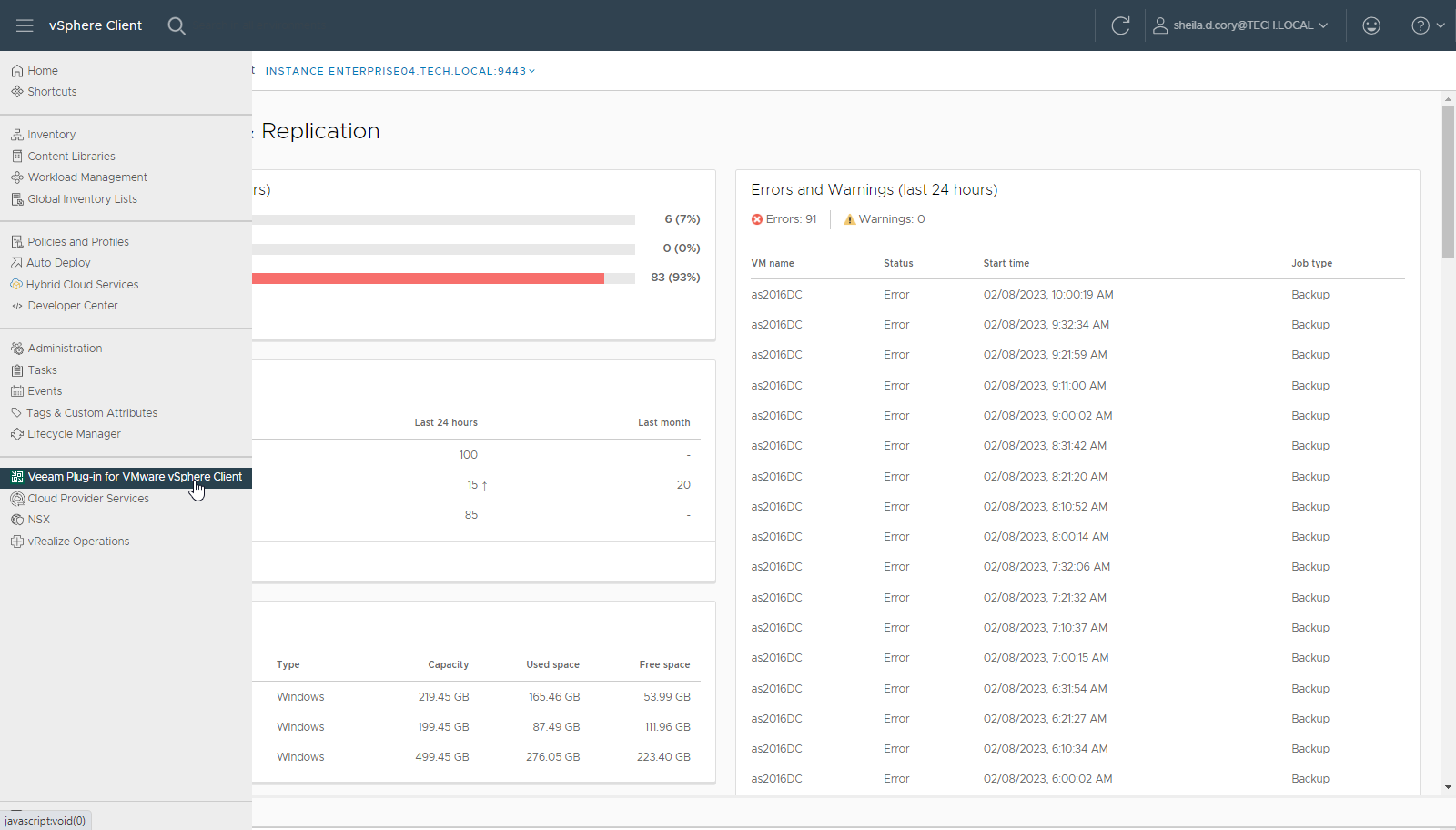
To access the plug-in, open the VMware vSphere Client and select Veeam Plug-in for VMware vSphere Client from the menu.
Ensure that the account used to access the plug-in has the necessary permissions to connect to the Veeam Backup Enterprise Manager server and perform backup operations. For details, see Remote vSphere Client Plug-in.