 This is an archive version of the document. To get the most up-to-date information, see the current version.
Removing Rules
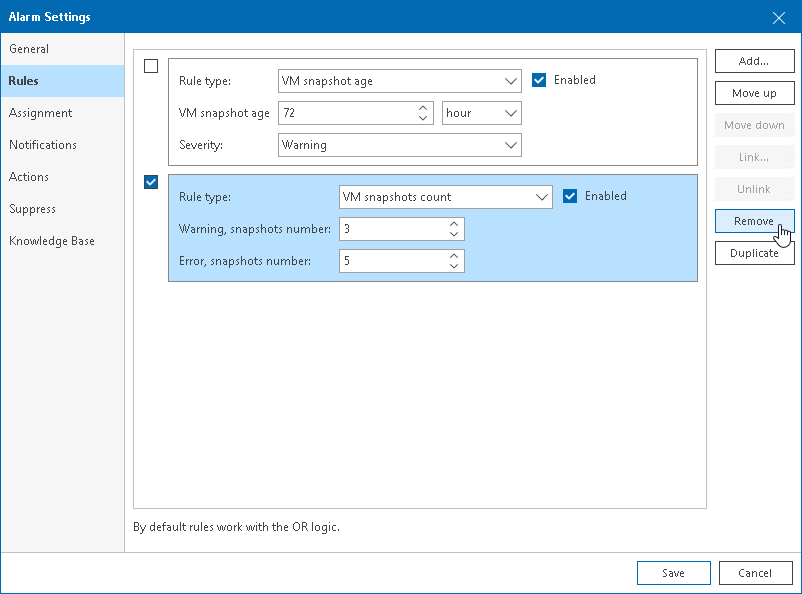
To remove a rule from an alarm:
- Select the check box next to a rule you want to remove.
- On the right, click Remove.
This is an archive version of the document. To get the most up-to-date information, see the current version.To remove a rule from an alarm: