Updating Data Sources
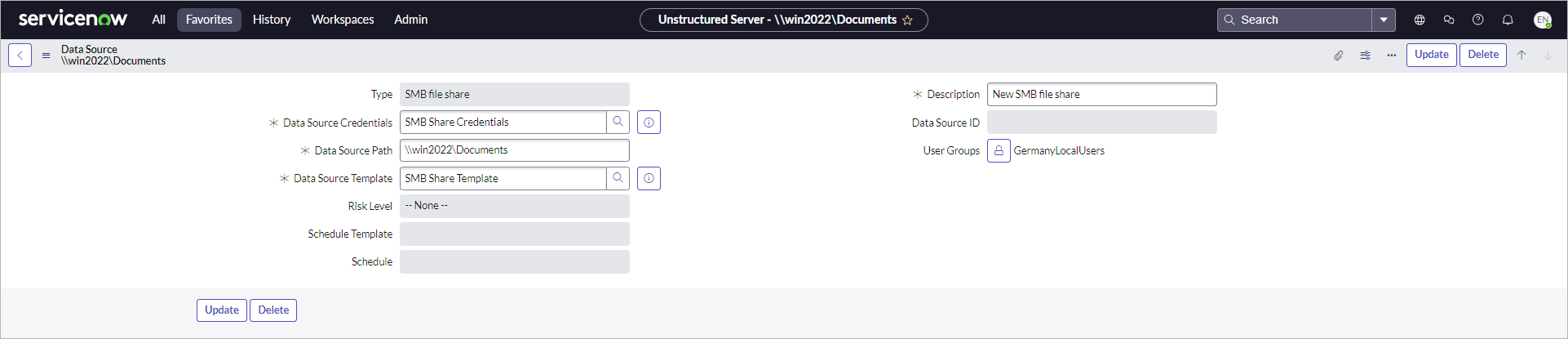
To update unstructured data source settings, perform the following steps:
- Click All > Veeam > Unstructured Data > Data Sources.
- Click the name of the data source.
- Change the following settings if required:
- Description
- Template
- User groups
- Click Update.
Note |
|
A data source inherits the risk level from the template. This settings is updated automatically if template changes and affect all data sources using this template. |