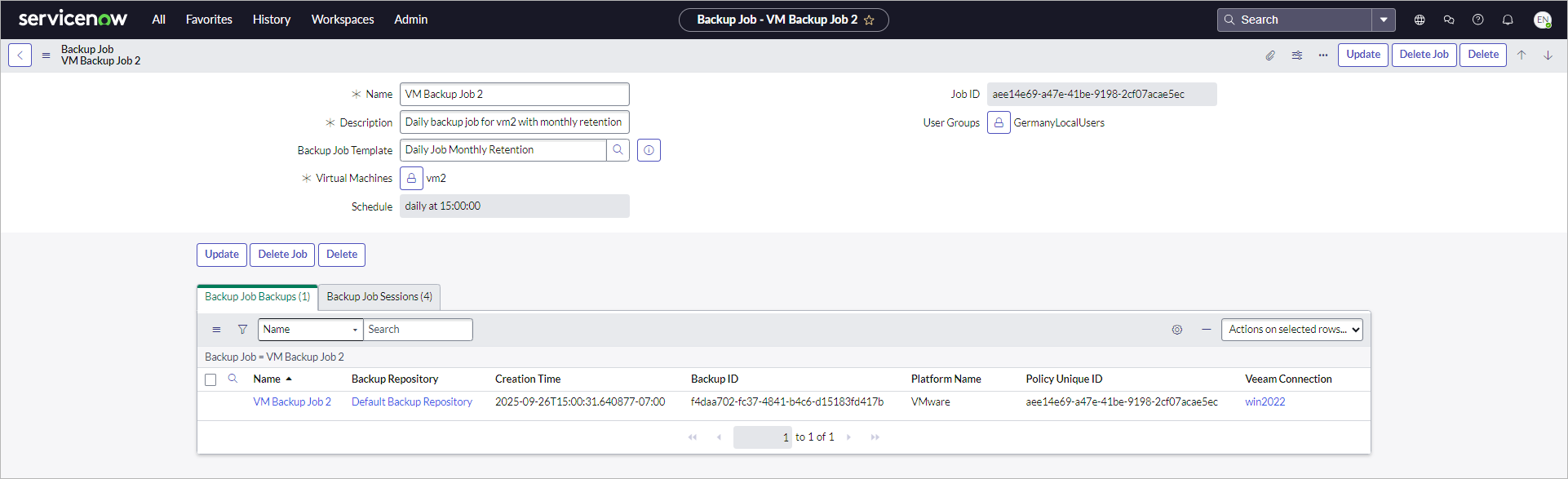
Updating VM Backup Jobs
To update a VM backup job, perform the following steps:
- Click All > Veeam > Virtual Machines > Jobs.
- Click the name of the job.
- Change the following settings if required:
- Name
- Description
- Virtual machines
- User groups
- Select or remove a template if required.
- Click Update.
Note |
|
Consider the following:
|