This is an archive version of the document. To get the most up-to-date information, see the current version.
Step 5. Select Container
In this article
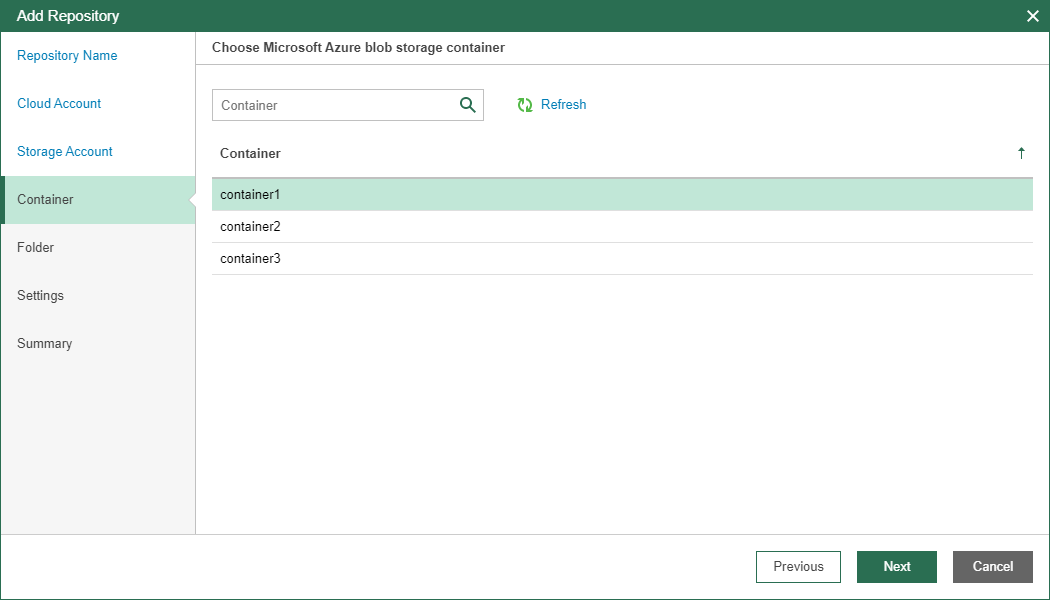
At the Container step of the wizard, select a container that you want to use to store backup data.
You can use the search field at the top to find a container you need.
To refresh the list with containers, click Refresh.
You can create a new container using the Microsoft Azure capabilities. For more information, see this Microsoft article.