This is an archive version of the document. To get the most up-to-date information, see the current version.
Step 2. Select Certificate Type
In this article
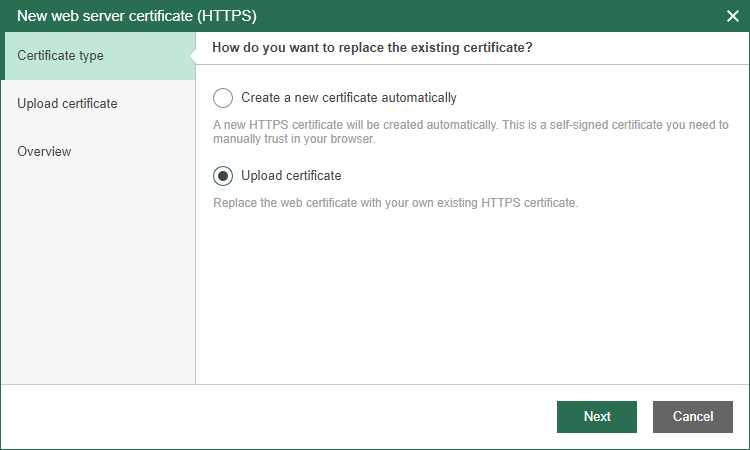
At the Certificate type step of the wizard, choose whether you want to create a new certificate or upload an existing one.
When you create a new certificate, Veeam Backup for Microsoft Azure will automatically add this certificate to the controller server.