This is an archive version of the document. To get the most up-to-date information, see the current version.
Step 6. Select Virtual Disks
In this article
[This step is available if you perform a restore to a new location or with different settings.]
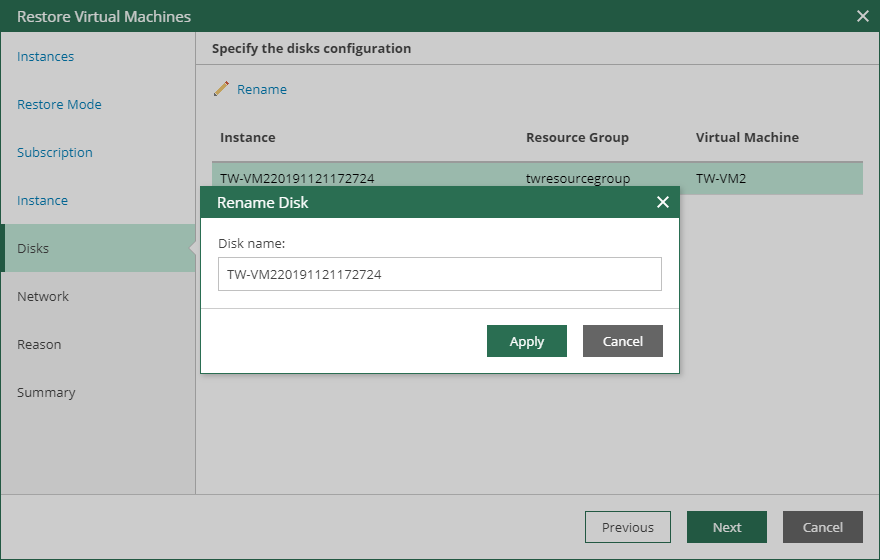
At the Disks step of the wizard, you can rename virtual disks.
To rename virtual disks, do the following:
- Select a virtual disk that you want to rename and click Rename.
- In the Rename Disk window, enter a name that you want to use for the selected virtual disk and click Apply.