This is an archive version of the document. To get the most up-to-date information, see the current version.
Refreshing List of Workers
In this article
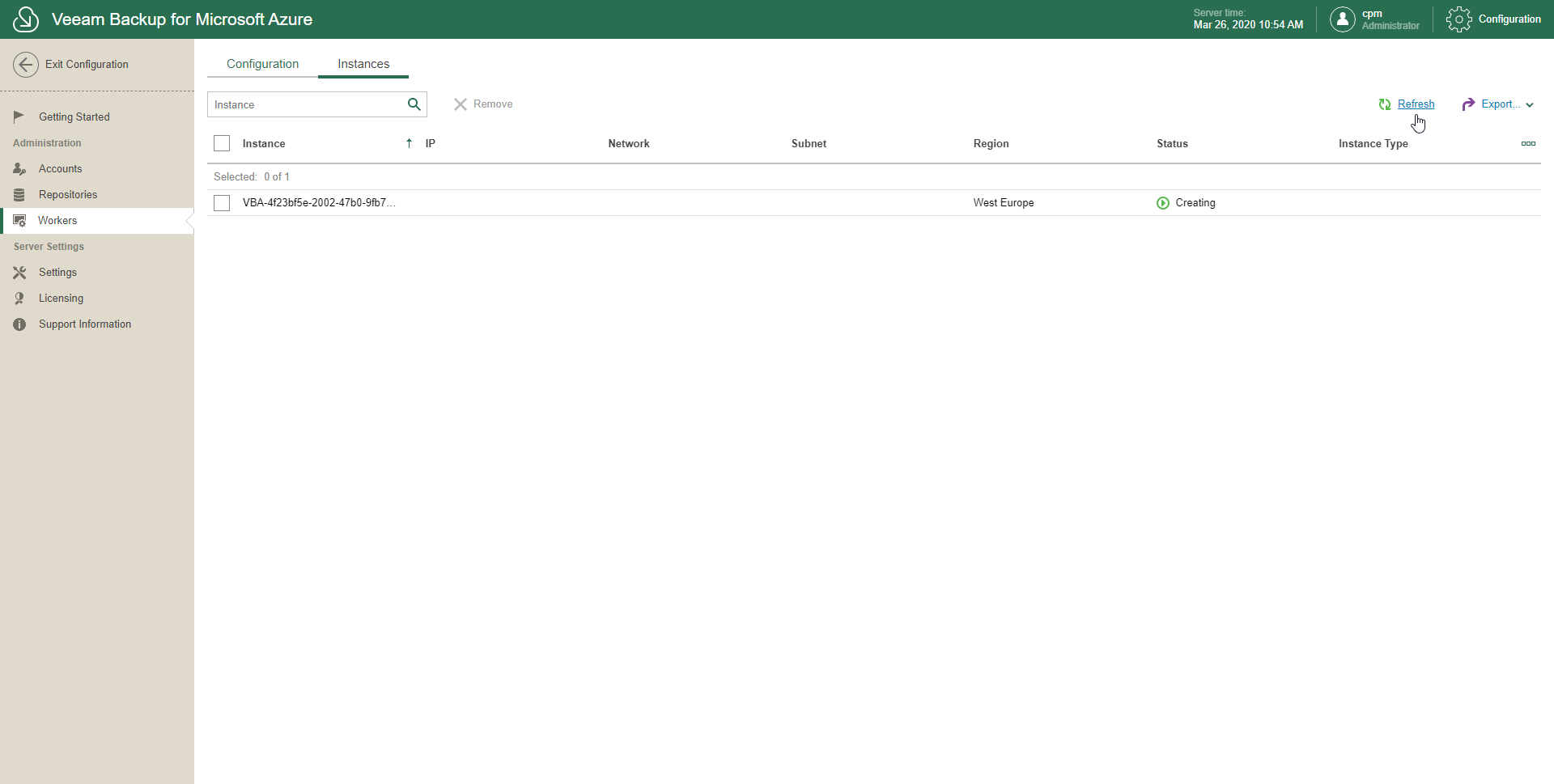
Veeam Backup for Microsoft Azure allows you to refresh a list of workers to recollect newly created instances from the Azure resource group and display these instances on the Instances tab.
To refresh a list of workers, do the following:
- In the System Menu, click Configuration.
- In the inventory pane, in the Administration section, select Workers.
- Open the Instances tab.
- Click Refresh.