This is an archive version of the document. To get the most up-to-date information, see the current version.
Removing Worker Configuration
In this article
When you remove a worker configuration, Veeam Backup for Microsoft Azure permanently removes all worker instances that have been created for this configuration from the Azure resource group.
If you remove a worker configuration and some of the workers are currently processing a backup or restore to\from backup repositories, the removal of these workers will be delayed up until they finish the operation.
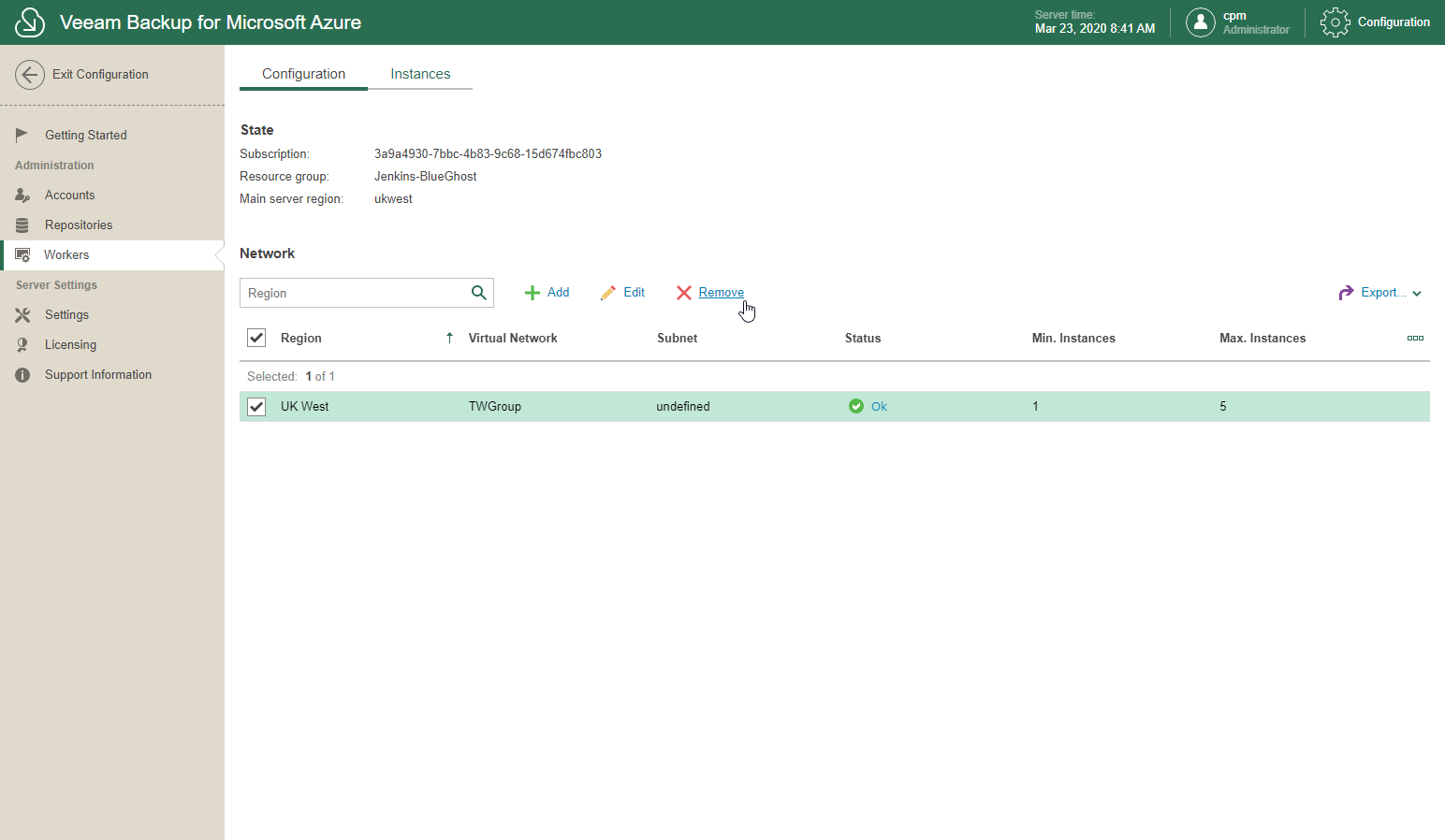
To remove a worker configuration, do the following:
- In the System Menu, click Configuration.
- In the inventory pane, in the Administration section, select Workers.
- Open the Configuration tab.
- Select a worker configuration.
Use the search field at the top to find records you need.
- Click Remove.