This is an archive version of the document. To get the most up-to-date information, see the current version.
Editing Backup Policy Settings
In this article
Veeam Backup for Microsoft Azure allows you to edit backup policies. For example, you may want to add some Microsoft Azure VMs to a backup policy or change a backup policy description.
To edit settings of a backup policy, do the following:
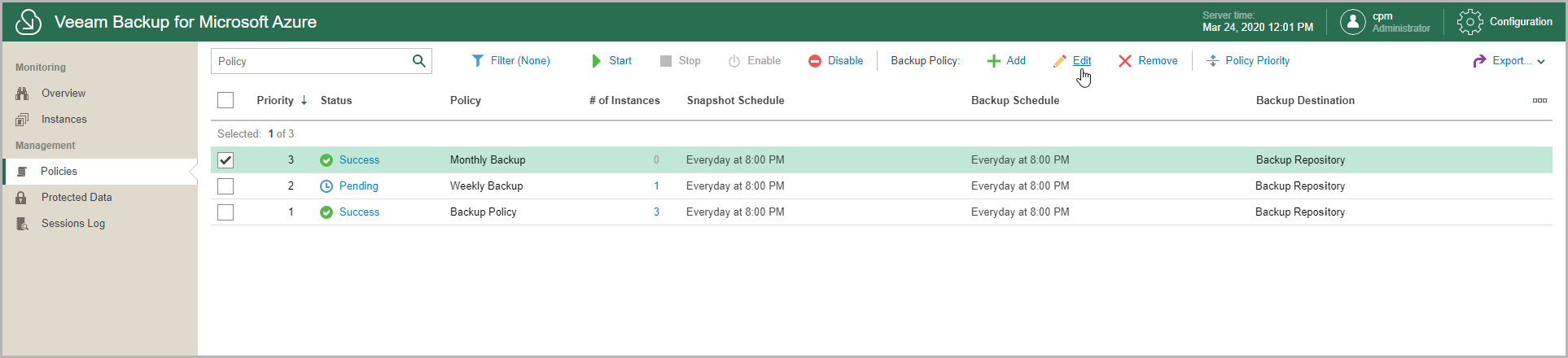
- In the inventory pane, in the Management section, click Policies.
- Select a backup policy.
Use the search field at the top to find records you need.
- Click Edit.
- Modify settings as required.