This is an archive version of the document. To get the most up-to-date information, see the current version.
Rescanning Protected VMs
In this article
Veeam Backup for Microsoft Azure allows you to perform a rescan of protected Microsoft Azure VMs.
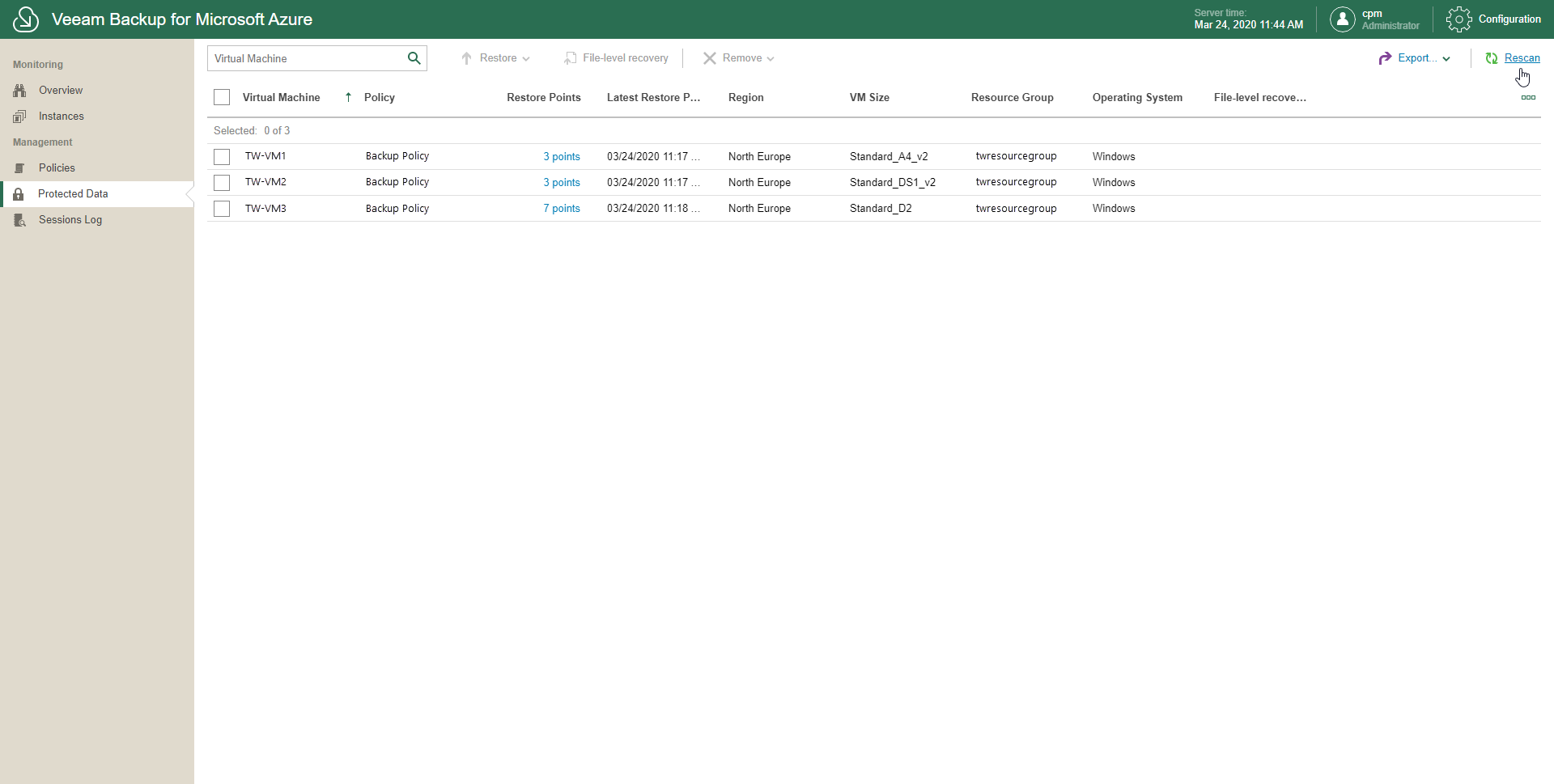
You may want to rescan VMs, for example, if a backup policy has finished its session while you were still on the Protected Data page. In such a scenario, VMs that have been processed by such a policy will not be displayed in the list until you perform a rescan.
To perform a rescan, do the following:
- In the inventory pane, in the Management section, click Protected Data.
- Click Rescan.