This is an archive version of the document. To get the most up-to-date information, see the current version.
Exporting Worker Records
In this article
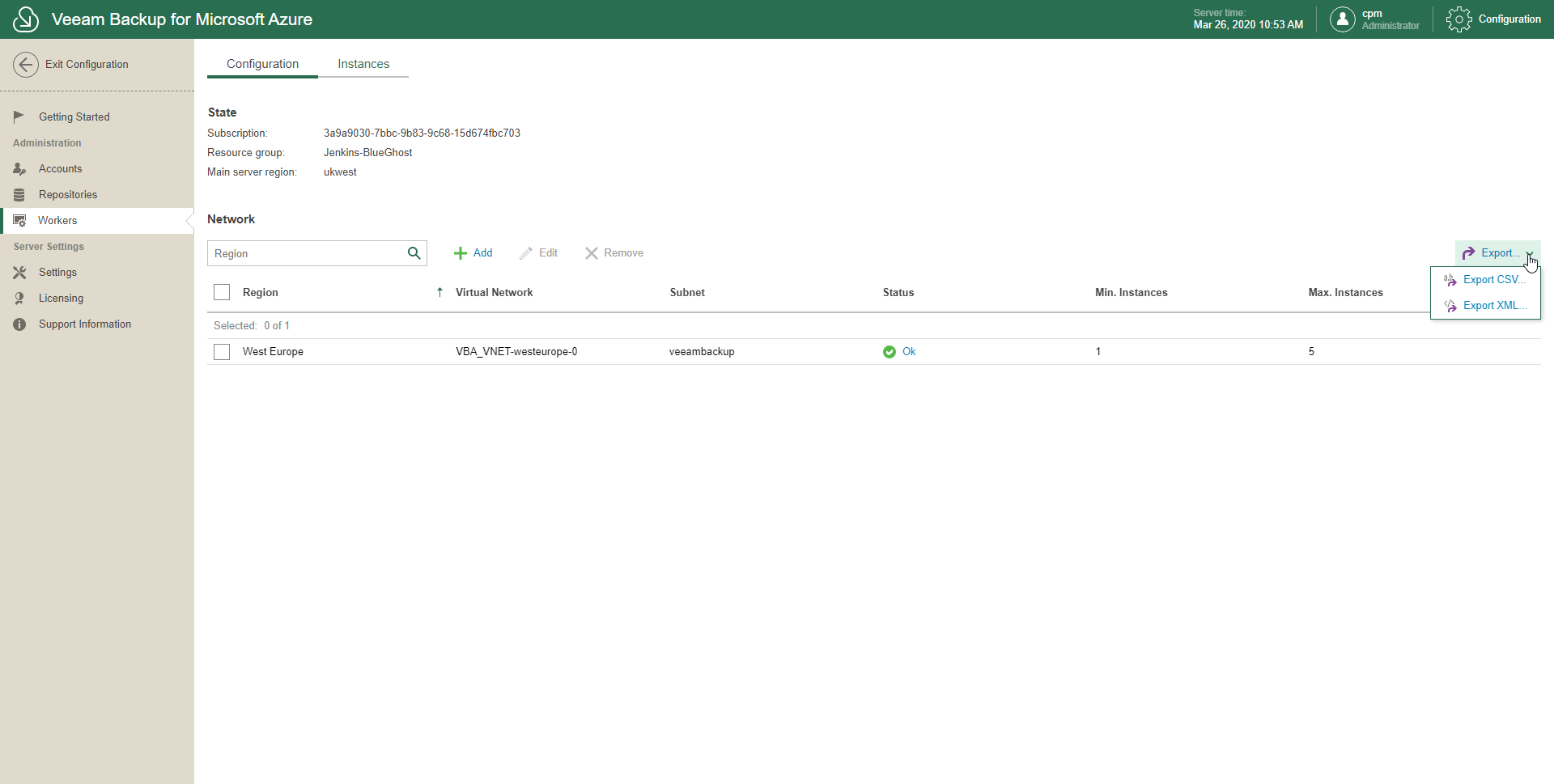
Veeam Backup for Microsoft Azure allows you to export records about workers as .csv or .xml.
To export records about workers, do the following:
- In the System Menu, click Configuration.
- In the inventory pane, in the Administration section, select Workers.
- Open the Configuration/Instances tab.
- Click Export.
- Select Export CSV or Export XML.
Veeam Backup for Microsoft Azure exports all records altogether; you cannot select to export only certain records.