This is an archive version of the document. To get the most up-to-date information, see the current version.
Step 3. Select Restore Mode
In this article
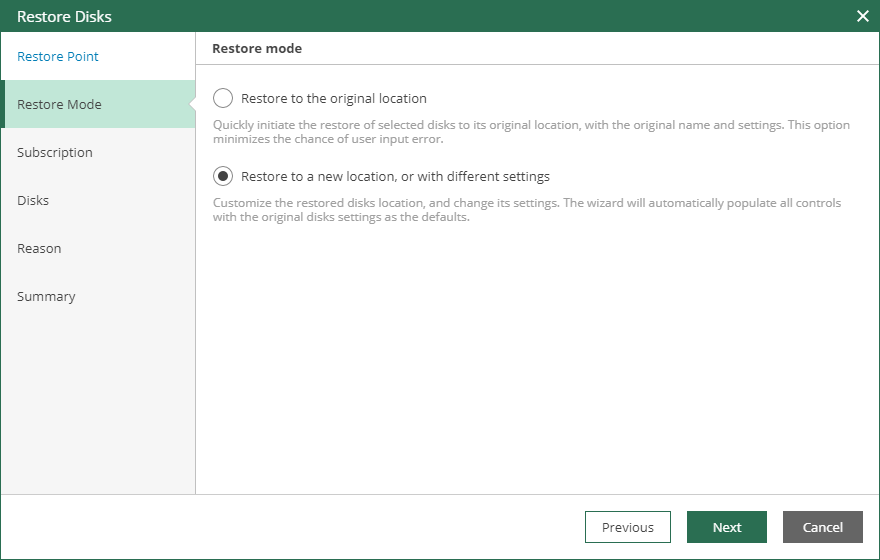
At the Restore Mode step of the wizard, choose whether you want to restore virtual disks of your Microsoft Azure VMs to the original or to a custom location.
When you perform a restore to the original location, Veeam Backup for Microsoft Azure will remove all existing virtual disks from the target location and then restore them from the backup.