This is an archive version of the document. To get the most up-to-date information, see the current version.
Removing Repository Accounts
In this article
Veeam Backup for Microsoft Azure allows you to permanently remove repository accounts if you no longer need them.
To remove repository accounts, do the following:
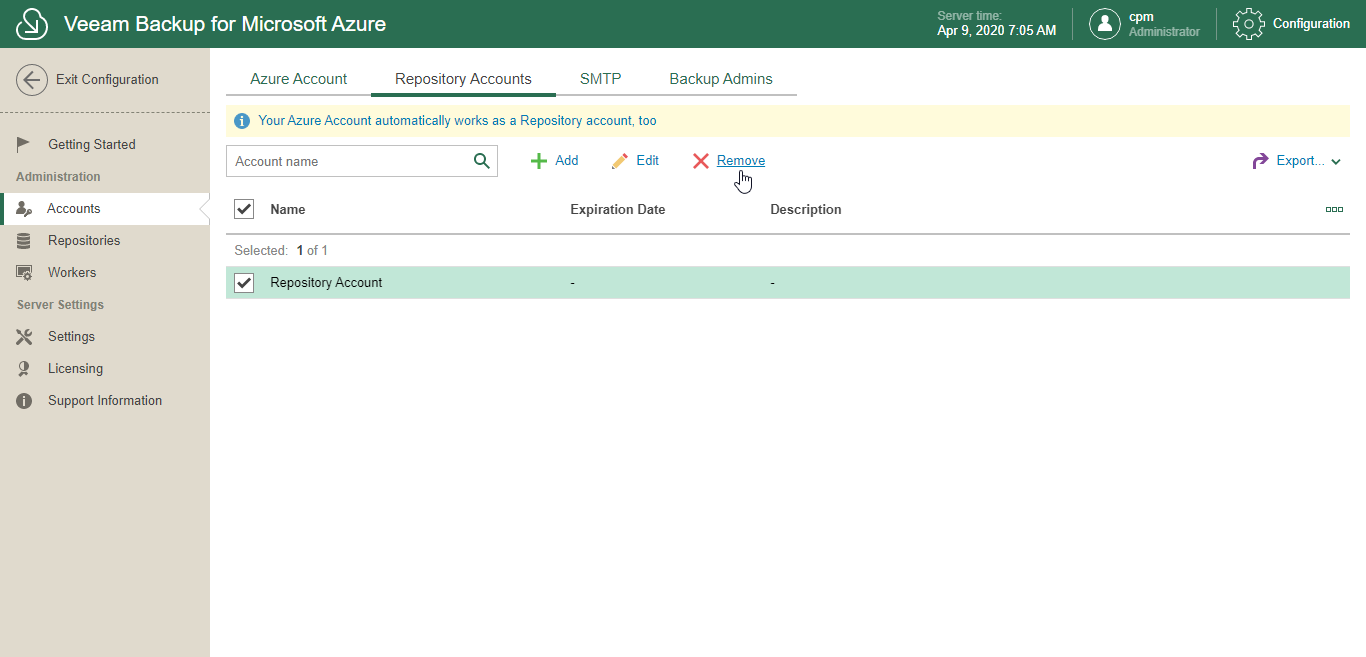
- In the System Menu, click Configuration.
- In the inventory pane, in the Administration section, select Accounts.
- Open the Repository Accounts tab.
- Select a repository account.
Use the search field at the top to find records you need.
- Click Remove.
Note: |
You cannot remove a repository account if this account is being used by any of your backup repositories. Make sure to remove all associated backup repositories first. |