This is an archive version of the document. To get the most up-to-date information, see the current version.
Editing Worker Configuration
In this article
Veeam Backup for Microsoft Azure allows you to edit a worker configuration, for example, if you want to change the region, virtual network, subnet an so on.
To edit a new worker configuration, do the following:
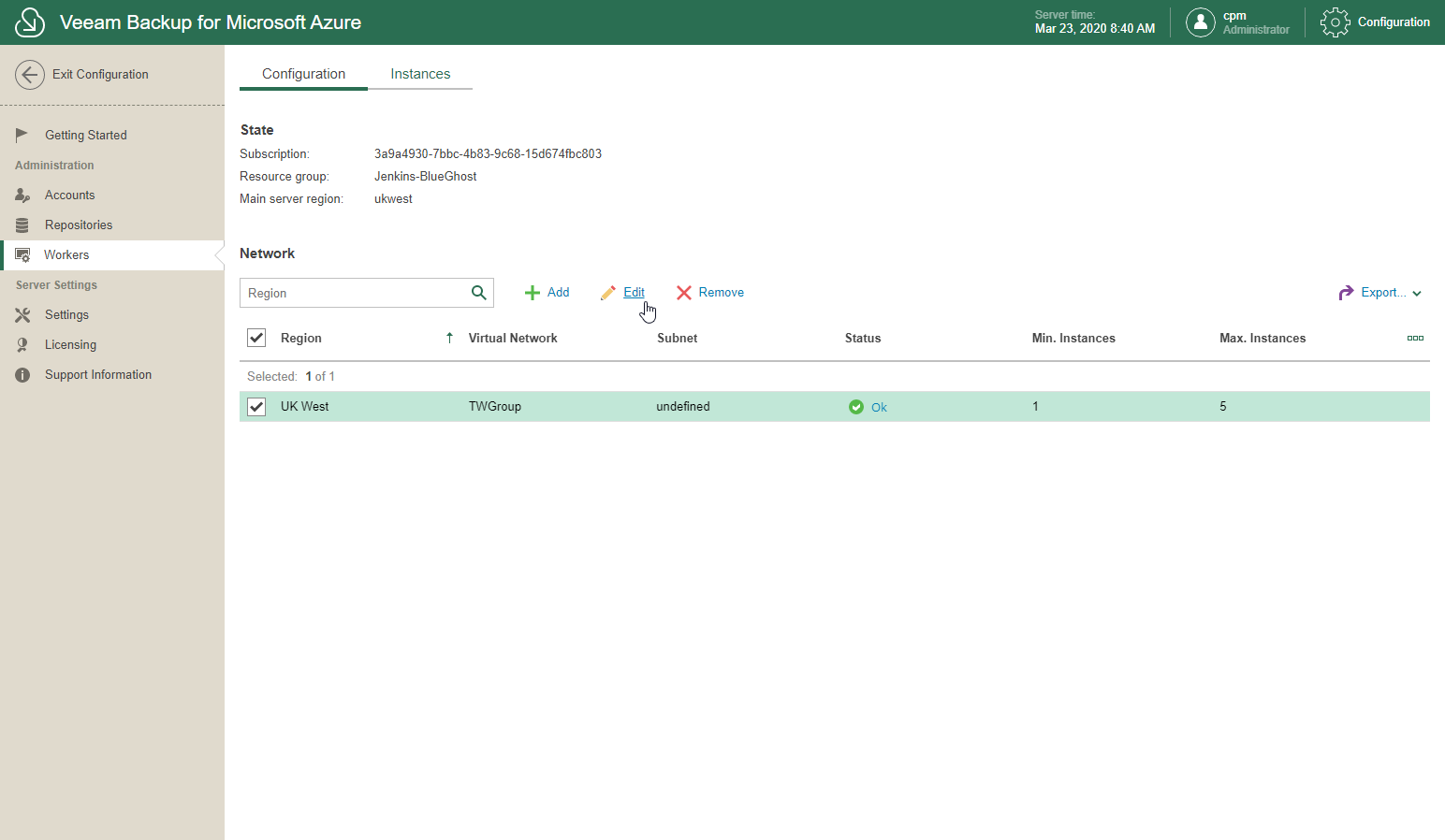
- In the System Menu, click Configuration.
- In the inventory pane, in the Administration section, select Workers.
- Open the Configuration tab.
- Select a worker configuration.
- Click Edit.
- Make changes to the selected worker configuration as required.
Note: |
When editing a worker configuration, Veeam Backup for Microsoft Azure will redeploy workers only after each of the running backup/restore sessions (if any) is complete. |