This is an archive version of the document. To get the most up-to-date information, see the current version.
Starting Backup Policies
In this article
You can start a backup policy manually, for example, if you want to create an additional restore point in the snapshot and/or backup chain and do not want to change the backup policy schedule.
Veeam Backup for Microsoft Azure enqueues each policy into an execution pool; if there are too many sessions already running, the state of a policy will be displayed as Pending until a free thread is available. Once a thread is available, the state will be automatically changed to Running.
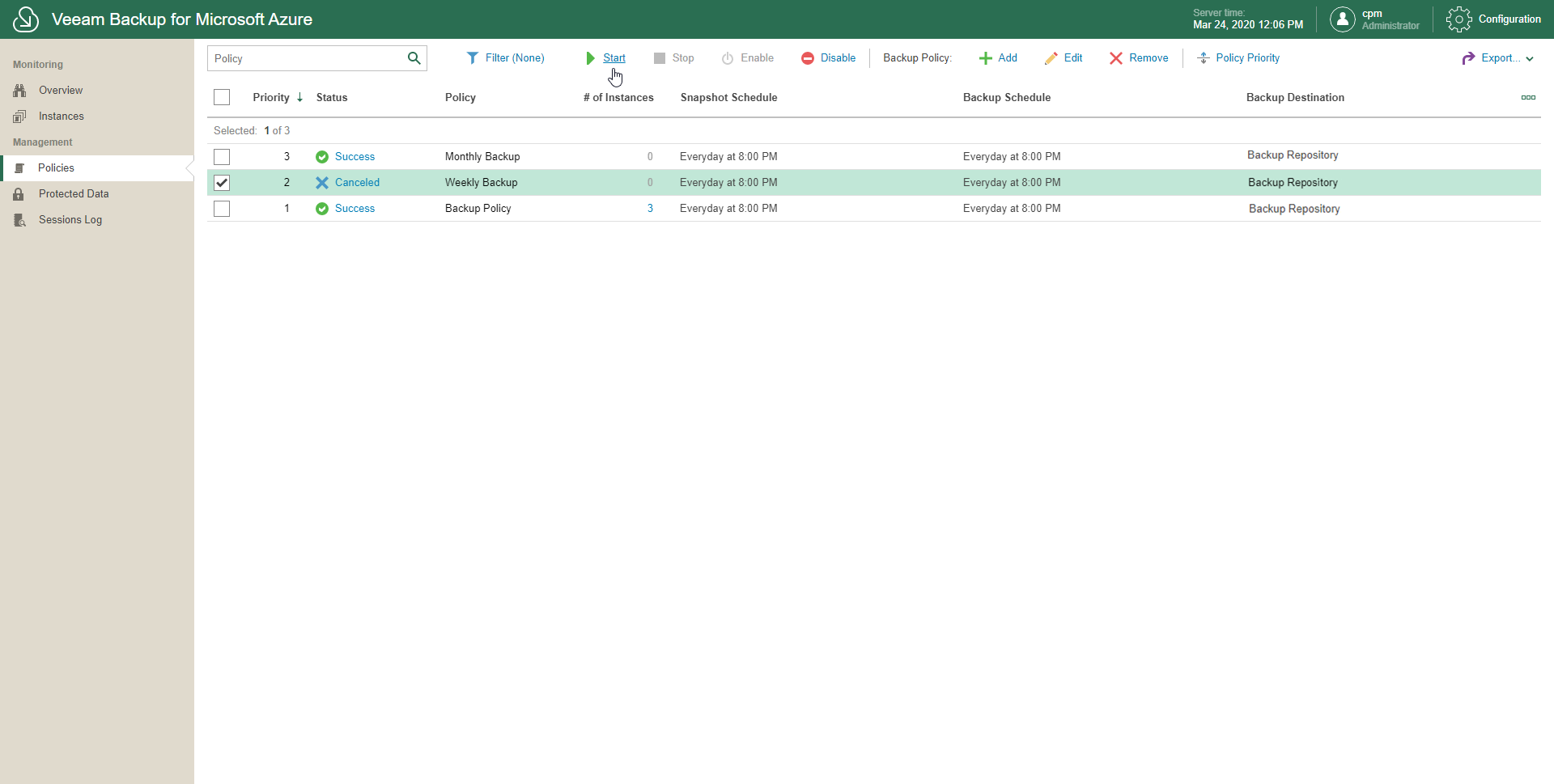
To start a backup policy, do the following:
- In the inventory pane, in the Management section, click Policies.
- Select one or more backup policies.
Use the search field at the top to find records you need.
- Click Start.