This platform is being deprecated. Veeam Data Cloud for Microsoft Azure has been relaunched on the unified experience platform with new capabilities. To continue receiving support, all customers must migrate to the new platform. Contact your Veeam sales representative or Veeam Support to plan your migration.
Step 2. Specify Policy Details
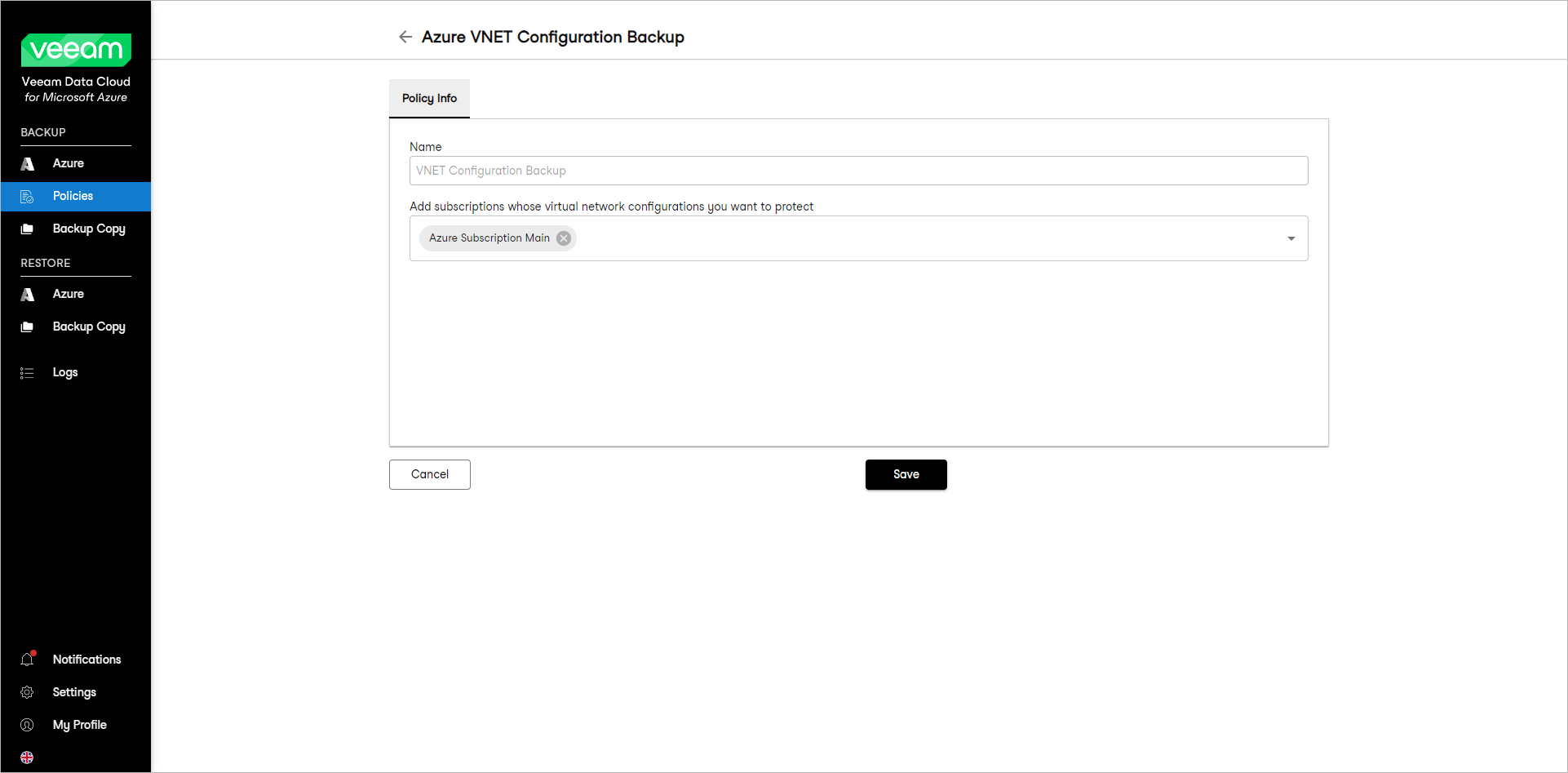
At the Policy Info step of the wizard, from the subscriptions drop-down list, select the subscriptions whose virtual network configurations you want to protect. Veeam Data Cloud for Microsoft Azure will collect and back up virtual network configuration data for the specified subscriptions.
|
Note |
|
Veeam Data Cloud for Microsoft Azure supports backup of the following virtual network configuration components: virtual networks, subnets, IP configurations, network security groups, route tables, network interfaces and virtual network peerings. |