This platform is being deprecated. Veeam Data Cloud for Microsoft Azure has been relaunched on the unified experience platform with new capabilities. To continue receiving support, all customers must migrate to the new platform. Contact your Veeam sales representative or Veeam Support to plan your migration.
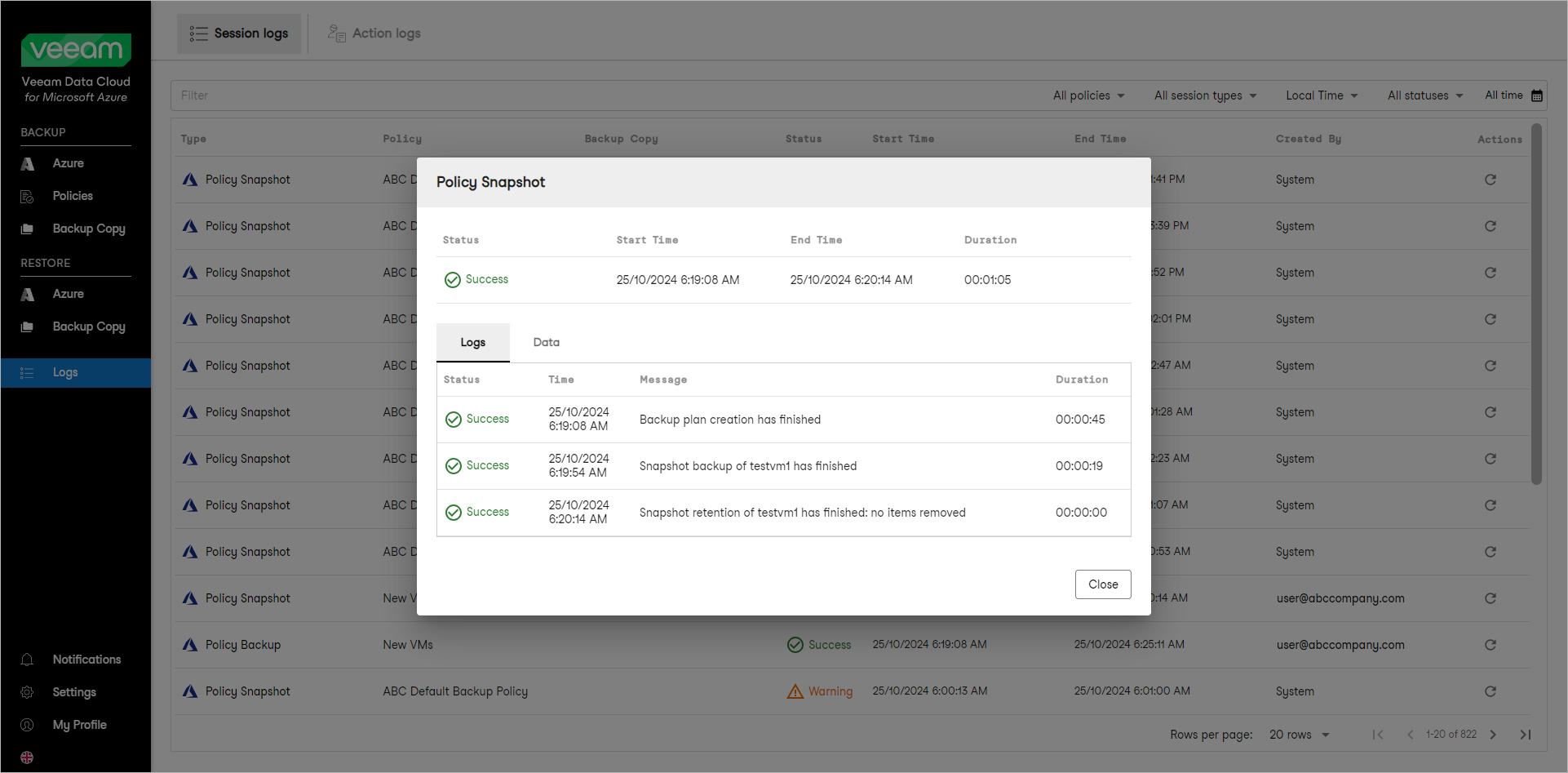
Viewing Session Logs
To view the list of all backup sessions, open the Session Logs page in the Logs section of the main menu. To view session details, right-click a selected session and choose View Details.