This platform is being deprecated. Veeam Data Cloud for Microsoft Azure has been relaunched on the unified experience platform with new capabilities. To continue receiving support, all customers must migrate to the new platform. Contact your Veeam sales representative or Veeam Support to plan your migration.
Step 4. Select Account
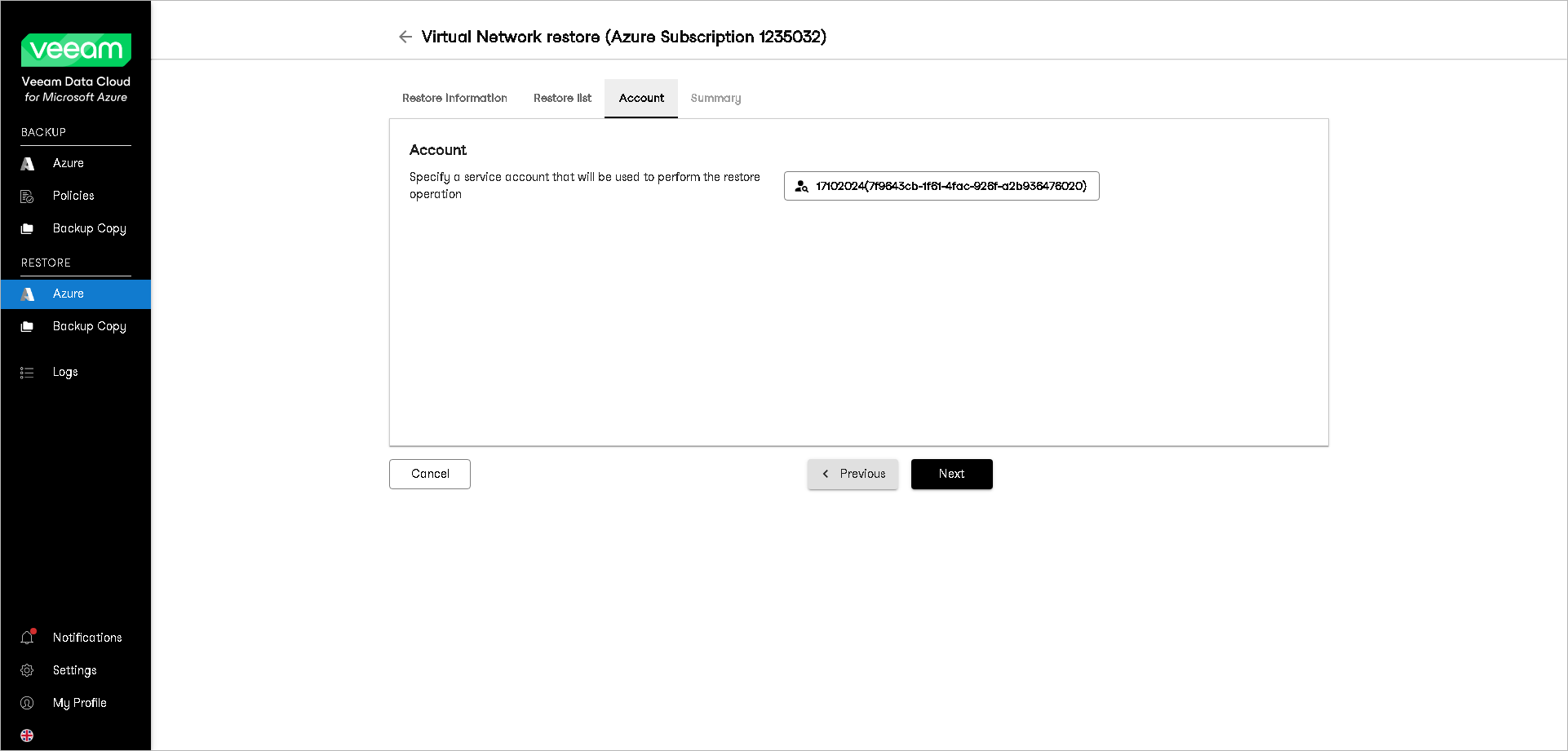
At the Account step of the wizard, specify an Azure account whose permissions Veeam Data Cloud for Microsoft Azure will use to perform the restore operation. To do this:
- Click Select Account.
- In the Select Account window, select an Azure account that you want to use for the restore procedure.