This platform is being deprecated. Veeam Data Cloud for Microsoft Azure has been relaunched on the unified experience platform with new capabilities. To continue receiving support, all customers must migrate to the new platform. Contact your Veeam sales representative or Veeam Support to plan your migration.
Managing Veeam Data Cloud Repositories
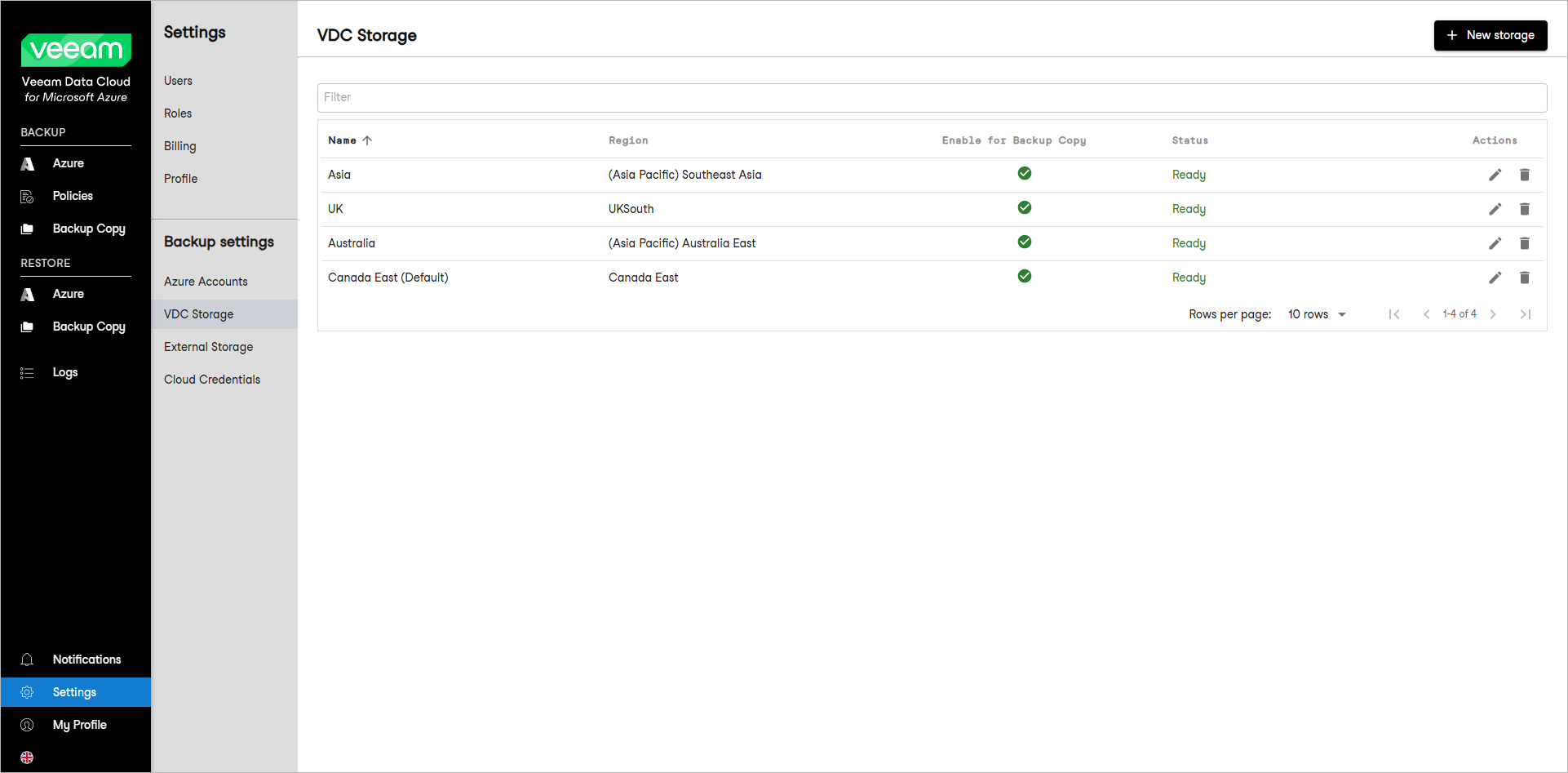
To view backup repositories added to your infrastructure, select VDC Storage. You can perform the following actions with the repositories:
- Click the New storage button to add a new storage. In the New VDC Storage window, specify details for the new storage.
- Select a storage and click Enable for backup copy on the ribbon to enable the Create a Backup Copy option for policies that use this storage. Alternatively, right-click the storage and select Enable for backup copy.
- Select a storage and click Edit on the ribbon to rename the storage. Alternatively, right-click the storage and select Edit.
- Select a storage and click Delete on the ribbon to delete the storage. Alternatively, right-click the storage and select Delete.