This platform is being deprecated. Veeam Data Cloud for Microsoft Azure has been relaunched on the unified experience platform with new capabilities. To continue receiving support, all customers must migrate to the new platform. Contact your Veeam sales representative or Veeam Support to plan your migration.
Step 6. Complete Restore Process
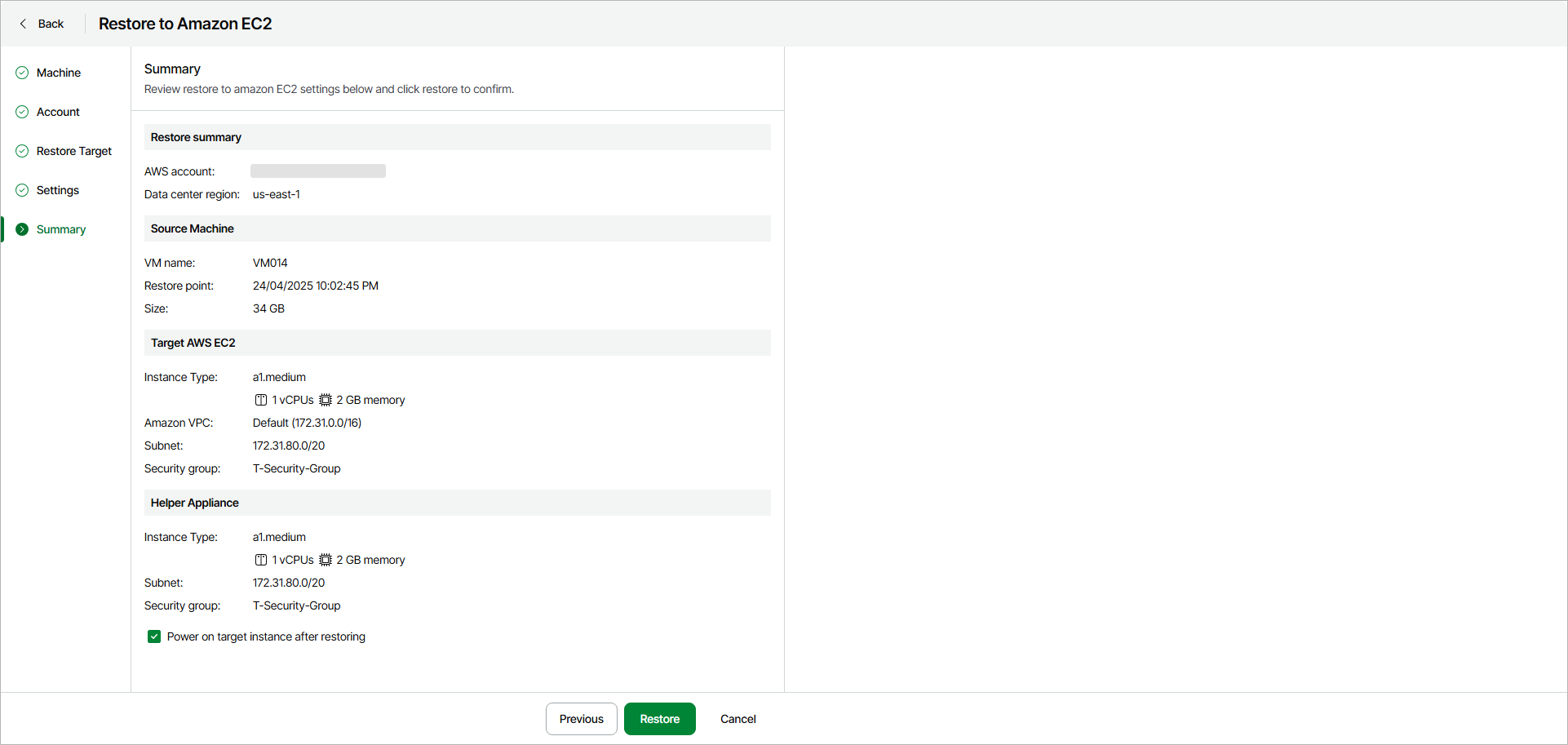
At the Summary step of the wizard, check the specified settings and click Restore.
|
Tip |
|
If you want to start the restored the EC2 instance as soon as the restore process completes, select the Power on target instance after restoring check box. |