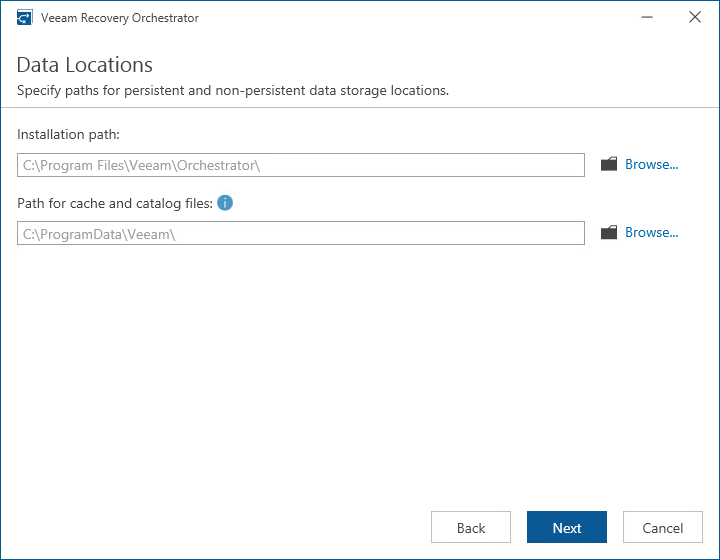
Step 11. Specify Data Locations
[This step applies only if you have clicked Customize Settings at the Ready to Install step of the setup wizard]
At the Data Locations step of the wizard, specify a path to the folder where Orchestrator components will be installed.
You can also specify a path to the folder where Veeam ONE and Veeam Backup & Replication components will store index files and write cache. By design, the setup wizard will automatically create the following subfolders in the specified folder:
\VBRCatalog— the subfolder where Veeam Backup & Replication index files will be stored; the subfolder is created on the volume with the maximum amount of free space.\PerCache— the subfolder where Veeam ONE write cache will be stored.\Backup\IRCache— the subfolder where the write cache for machines that are started from backups during recovery verification or restore operations will be stored; make sure that you have at least 10 GB of free disk space for this subfolder.