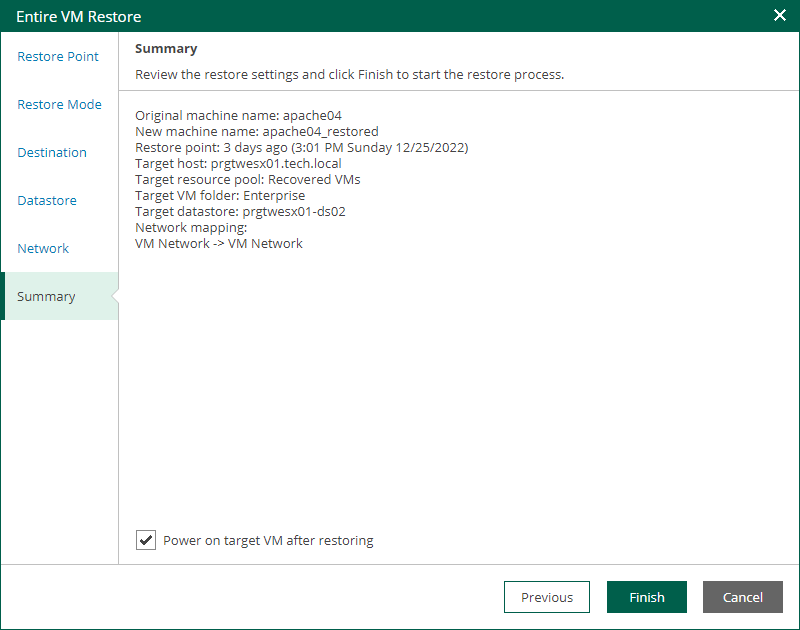
Step 7. Review Restore Settings
At the Summary step of the wizard, check restore settings and click Finish. If you want to start the restored VM on the target host, select the Power on target VM after restoring check box.
Veeam Backup Enterprise Manager starts the restore operation and displays its progress and result in the Machine and Disk Restore History view. Note that the Machine and Disk Restore History view displays the restore operations initiated from both Enterprise Manager and Veeam Backup & Replication.
To view the Instant Recovery progress, on the Machines tab, click History.