Step 1. Launch Migrate to Production Wizard
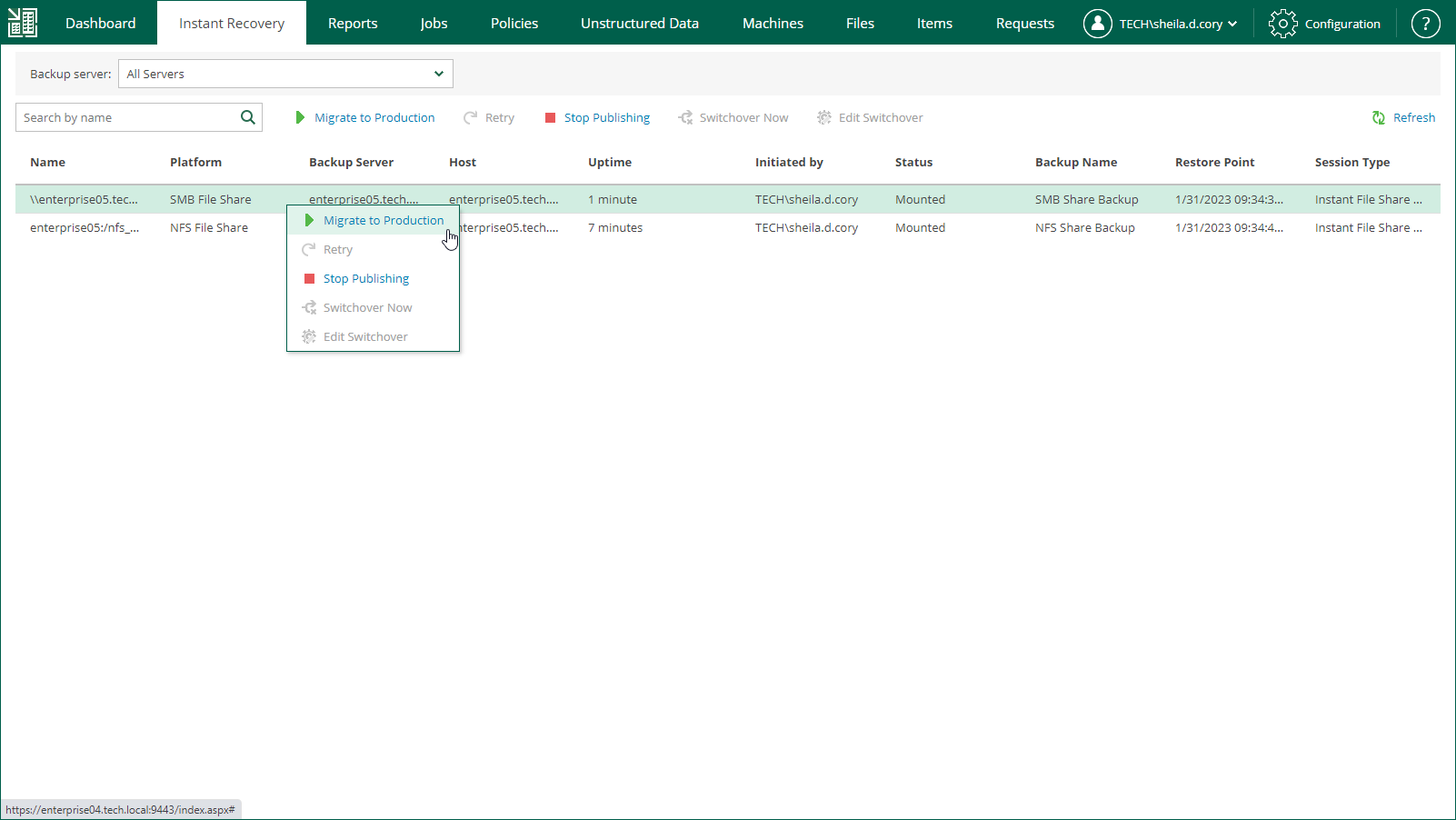
To launch the Migrate to Production wizard, do the following:
- Open the Instant Recovery tab and select a file share from the list.
- On the toolbar, click Migrate to production.
Alternatively, you can right-click a file share and select Migrate to Production.