Starting, Stopping and Retrying Jobs
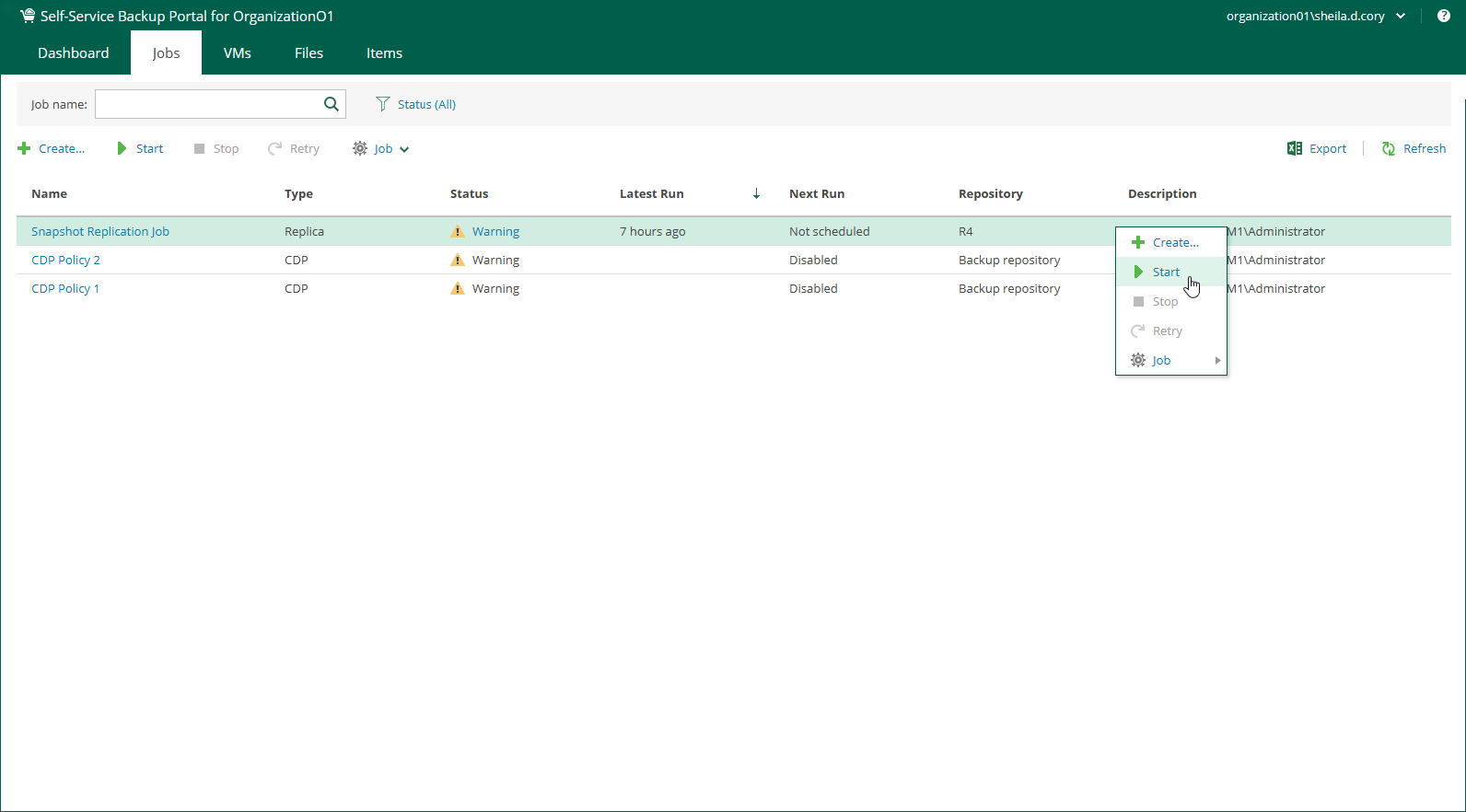
Members of a VMware Cloud Director organization can start, stop and retry organization backup jobs and replication jobs.
- To start a job, right-click a job from the list and select Start.
- To stop a job, right-click a job from the list and select Stop.
- To retry a failed job, right-click a job from the list and select Retry.