This is an archive version of the document. To get the most up-to-date information, see the current version.
Step 5. Specify Account State
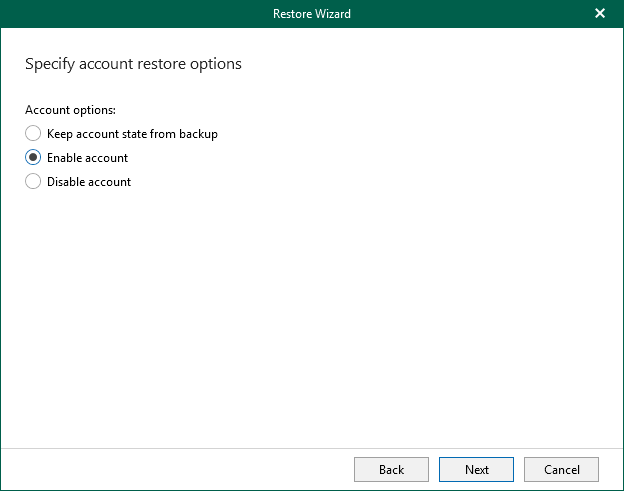
At this step of the wizard, select one of the following options:
- Keep account state from backup — to keep the account state as it is in the backup file.
- Enable account — to change the account state to enabled.
- Disable account — to change the account state to disabled.