This is an archive version of the document. To get the most up-to-date information, see the current version.
Step 1. Launch Restore Wizard
To launch the Restore wizard, do the following:
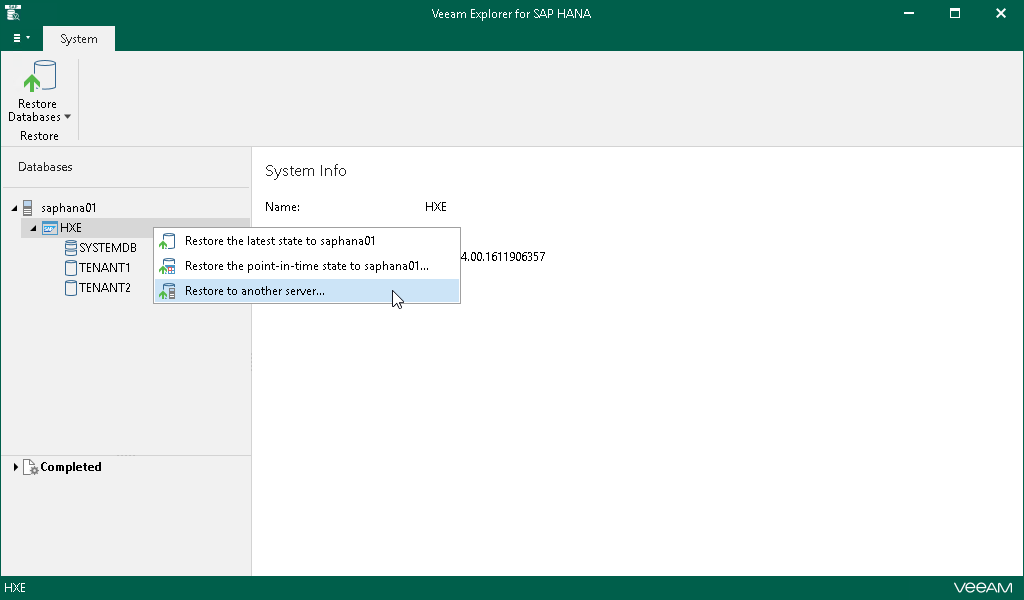
- In the navigation pane, select the SAP HANA system.
- On the System tab, select Restore Database > Restore to another server.
Alternatively, you can right-click the system and select Restore to another server.