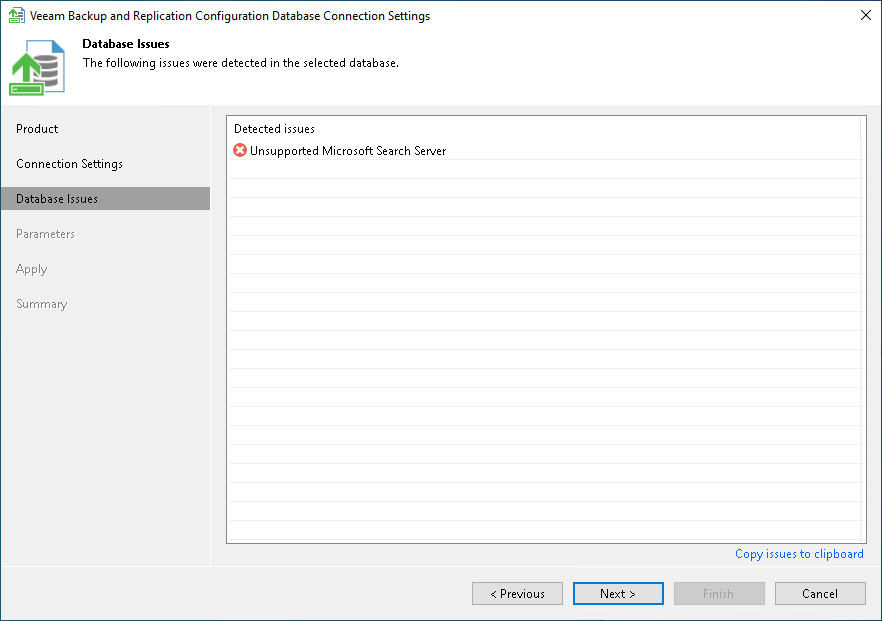
Step 3. Review Database Issues
At the Database Issues step of the wizard, review the issues that the utility detected in the selected database. The wizard displays this step only if the utility detects issues.
The issues in the list have one of the following severities:
- Warning. The issue does not prevent you from proceeding. Click Next to proceed to the next step.
- Error. The issue prevents you from proceeding. When you click Next, the utility displays a message that the database contains critical errors. You can proceed only after you resolve the reported issues.
To copy the list of issues, click Copy issues to clipboard.