Step 7. Specify Advanced Restore Settings
You can specify directories that you want to restore during bare metal recovery.
To exclude directories from restore, do the following:
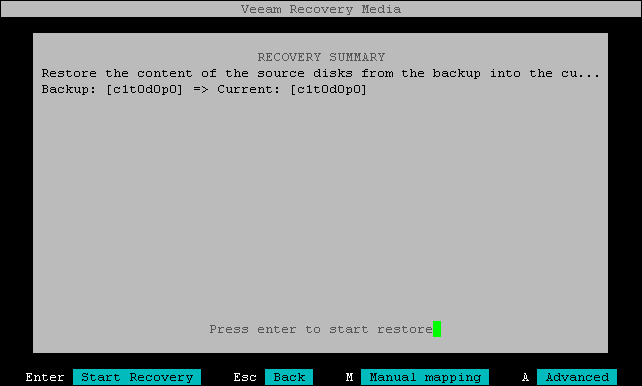
- At the Recovery Summary step of the wizard, press the [A] key on the keyboard.
- In the Advanced restore options window, use the [Tab] key to select the Exclude directories from restore session option and press [Space].
- Type in the path to the directory you want to exclude. If there is more than one directory to exclude, separate the paths with a comma (',').
- Press [Tab] to switch to the Apply button and press [Enter].
