Running Permanent Failover
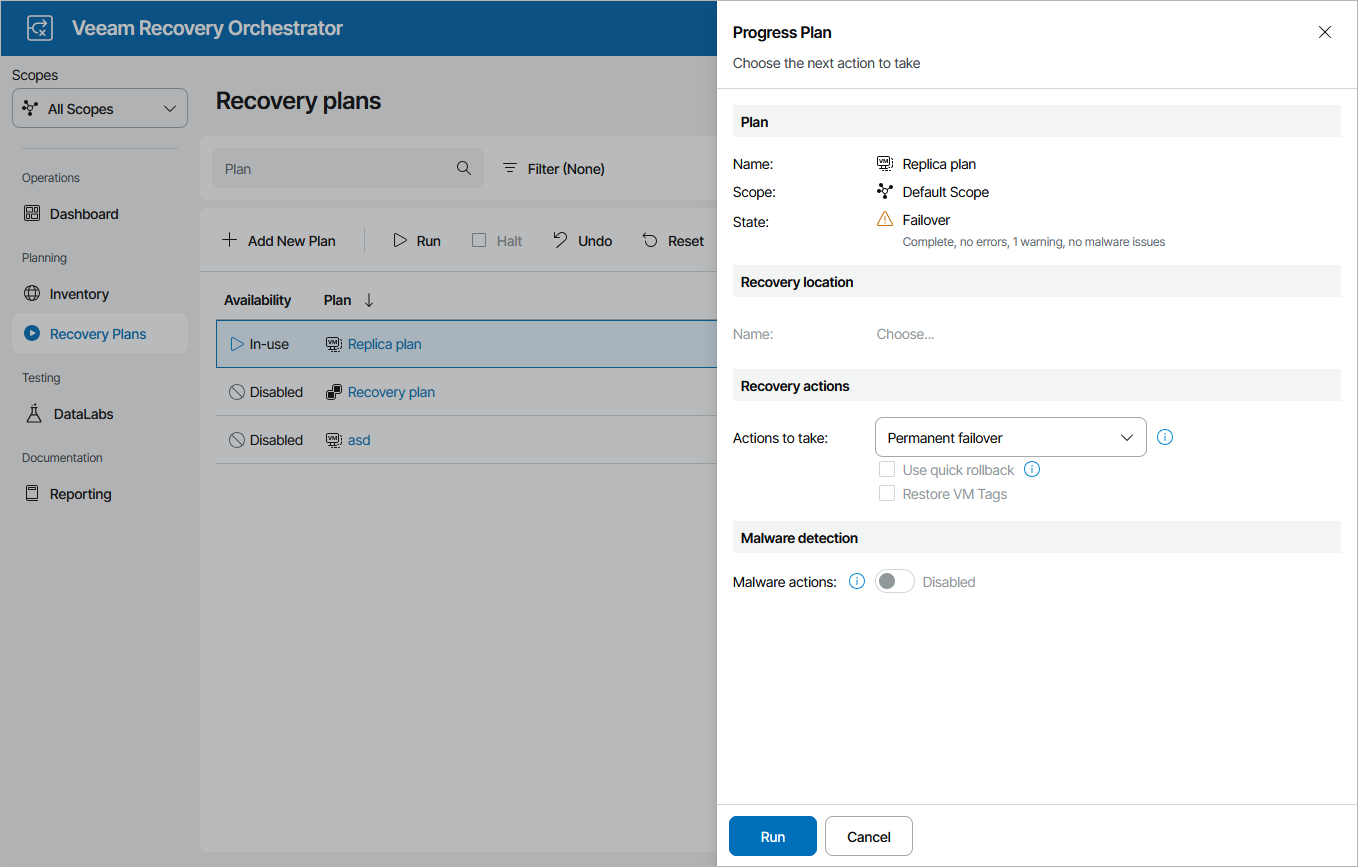
To perform permanent failover for a plan in the FAILOVER state:
- Navigate to Recovery Plans.
- Select the plan and click Run.
- In the Progress Plan window, do the following:
- For security purposes, retype your password and click Next.
- In the Recovery actions section, select the Permanent failover option.
- Review configuration information and click Run.
Note |
|
Failback will no longer be an option once the permanent failover process is complete. |