Step 7. Finish Working with Wizard
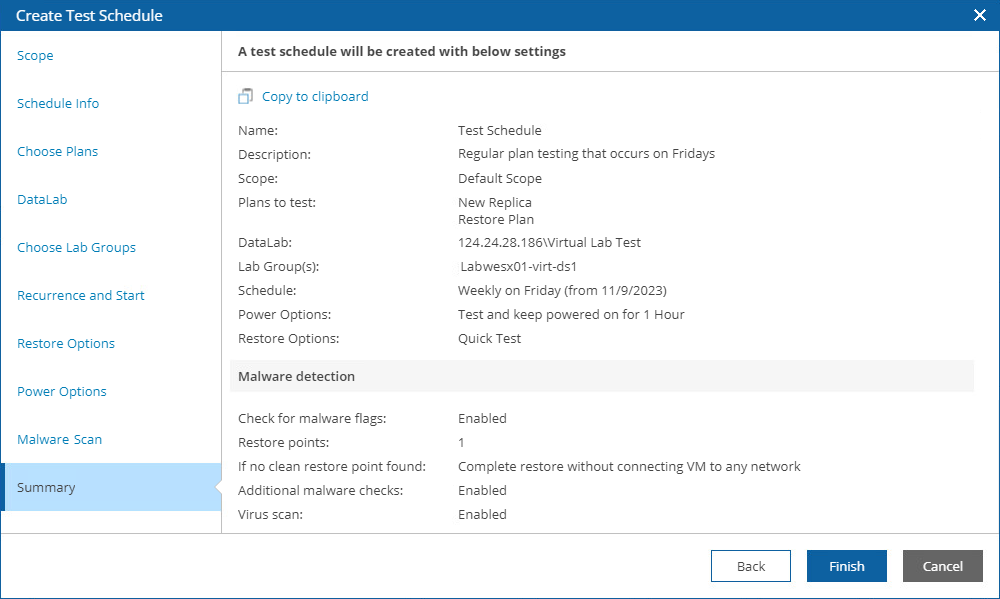
At the Summary step of the wizard, review configuration information and click Finish.
As soon as you click Finish, Orchestrator will create a new test schedule. To track the status of the created schedule, navigate to the Scheduled tasks tab.