This is an archive version of the document. To get the most up-to-date information, see the current version.
Step 4. Specify Destination Folder
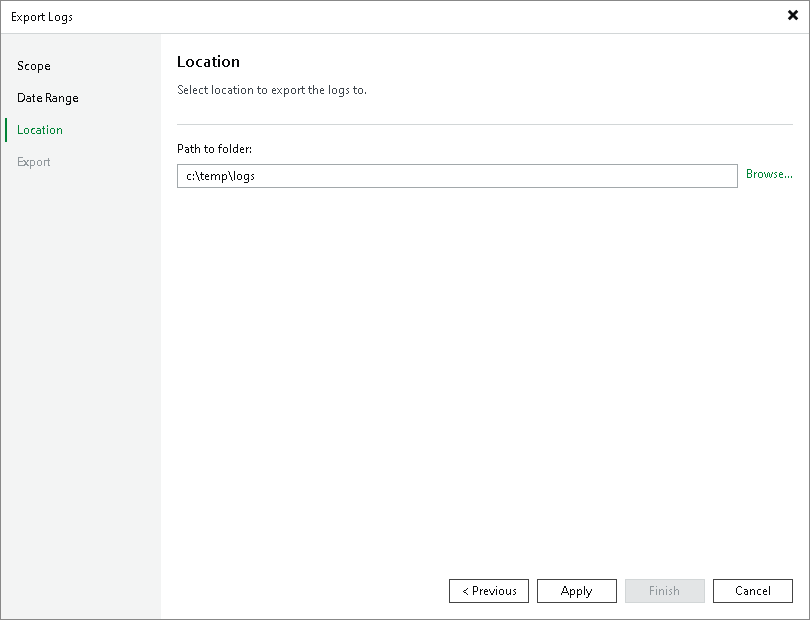
At the Location step of the wizard, specify the destination folder to which the logs will be exported.
In the Path to folder field, specify a path to an archive with log files that will be created. By default, the archive is saved to the C:\temp\logs folder on the server where Veeam Backup & Replication console is installed.
If you use Veeam Backup & Replication on Microsoft Windows, you can also specify a folder on the local drive of the Veeam backup server or an SMB network shared folder accessible from the Veeam backup server.