This is an archive version of the document. To get the most up-to-date information, see the current version.
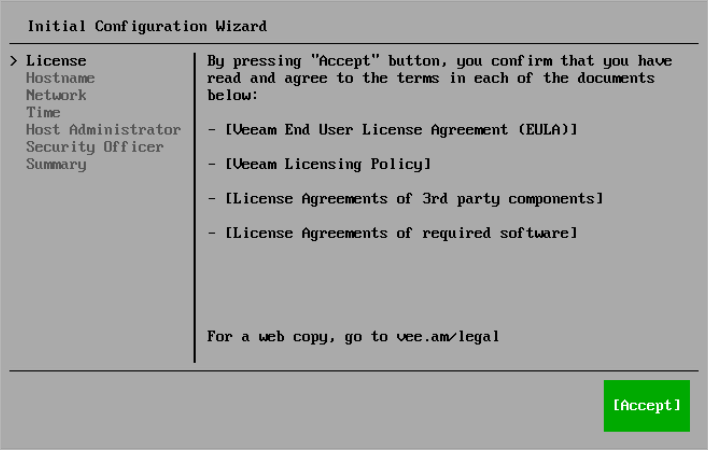
Step 4. Read and Accept License Agreements
At the License step of the Initial Configuration wizard, read and accept Veeam license agreements and policies.
|
Tip |
|
To close a document you have read, press [Q]. |