This is an archive version of the document. To get the most up-to-date information, see the current version.
Step 1. Launch the New Hyper‑V Off-Host Backup Proxy Wizard
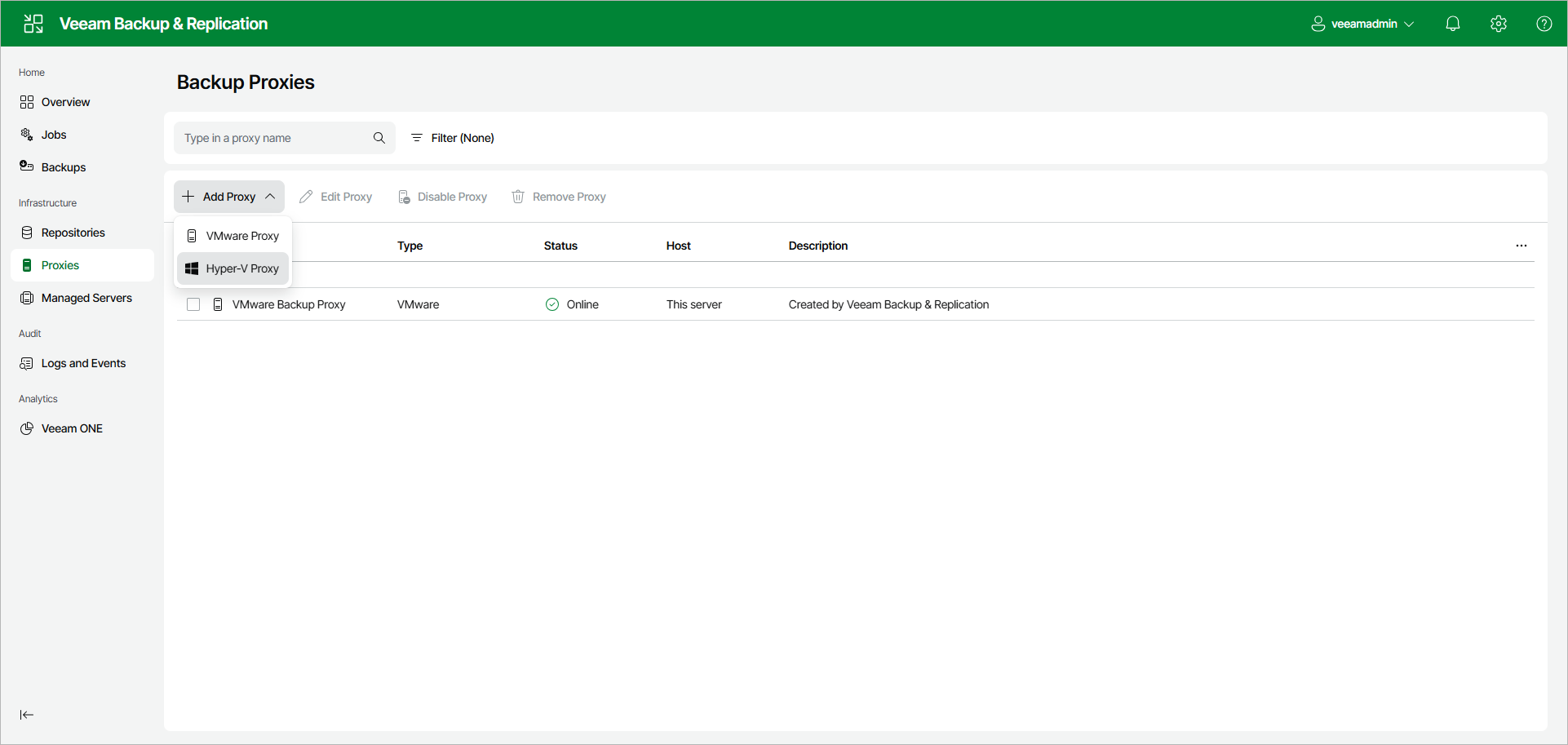
To launch the New Hyper-V Proxy wizard, do the following:
- Open the Proxies node in the management pane.
- Click Add Proxy on the ribbon and select Hyper-V Proxy.