This is an archive version of the document. To get the most up-to-date information, see the current version.
Starting Switchover Manually
The following instructions apply if you have selected to start the switchover manually in the Migrate to production wizard.
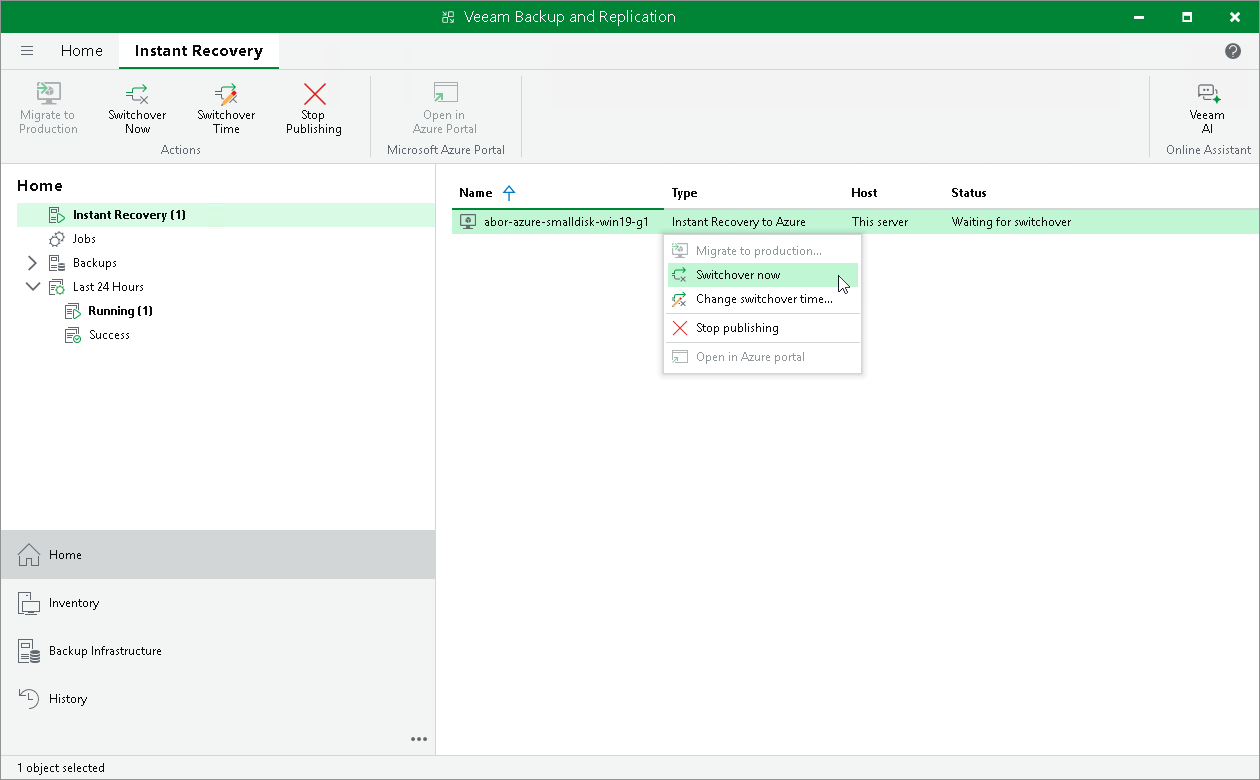
To start the switchover, do the following:
- Open the Home view.
- In the inventory pane, navigate to the Instant Recovery node.
- Right-click the VM for which you want to start the switchover and select Switchover to production.