This is an archive version of the document. To get the most up-to-date information, see the current version.
Viewing Update History
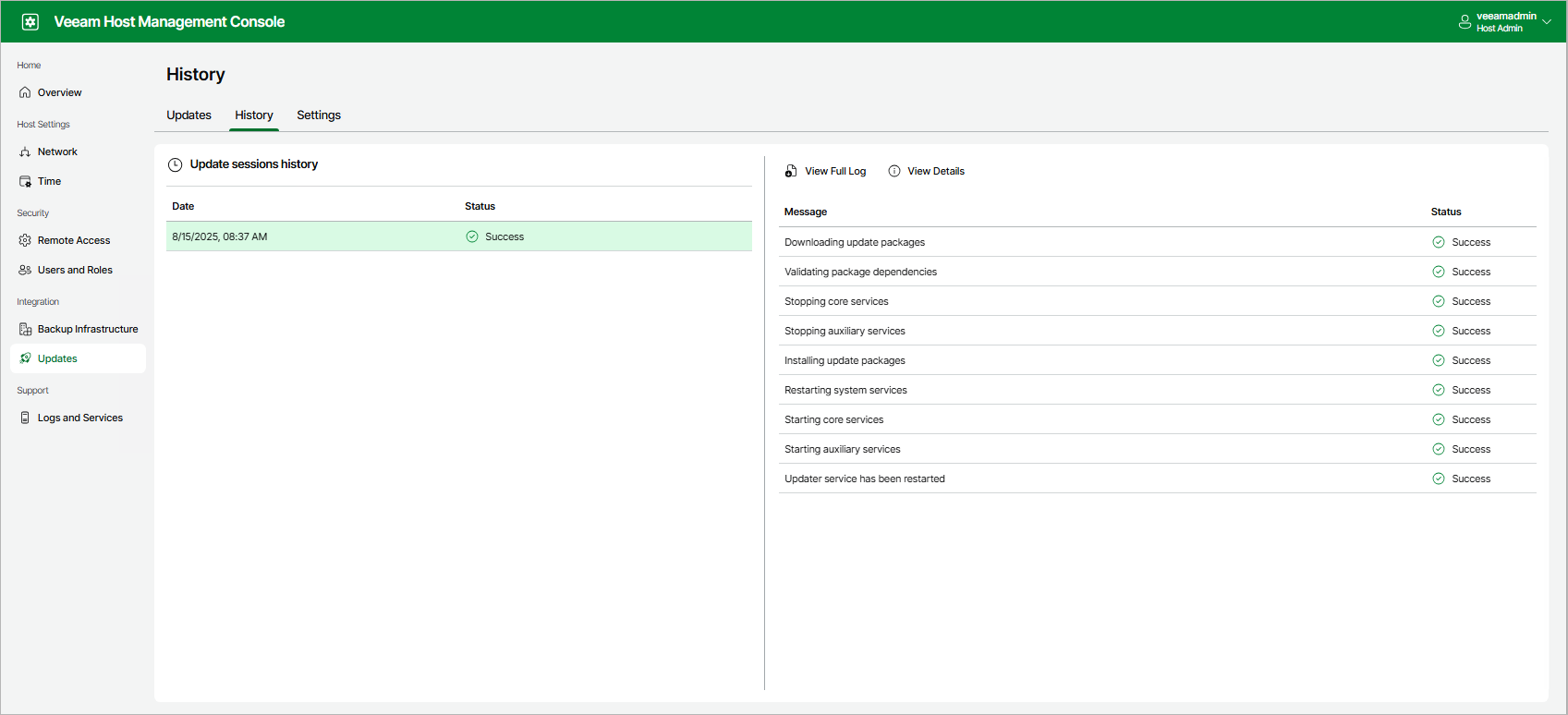
To view detailed information about update sessions, do the following:
- Log in to the Veeam Host Management console.
- In the management pane, click Updates.
- On the History tab, select the date to view update events.
- Click View Details.
To download a full log file, click View Full Log.