This is an archive version of the document. To get the most up-to-date information, see the current version.
Performing Switchover
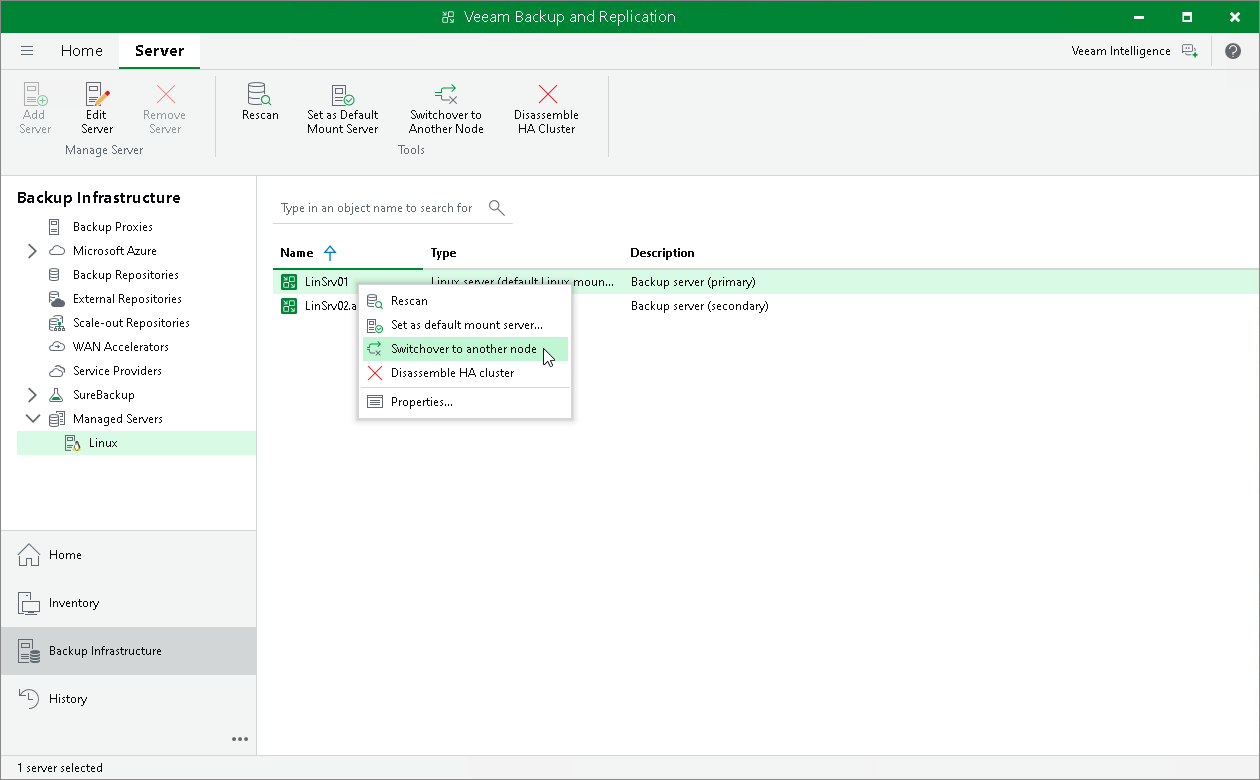
To initiate a switchover, do the following:
- Open the Backup Infrastructure view.
- In the inventory pane, select the Managed Servers node and right-click the necessary node.
- In the working area, select the necessary Veeam Software Appliance and click Switchover to Another Node on the ribbon. Alternatively, right-click the necessary Veeam Software Appliance and select Switchover to another node.