This is an archive version of the document. To get the most up-to-date information, see the current version.
Step 4. Configure Storage Settings
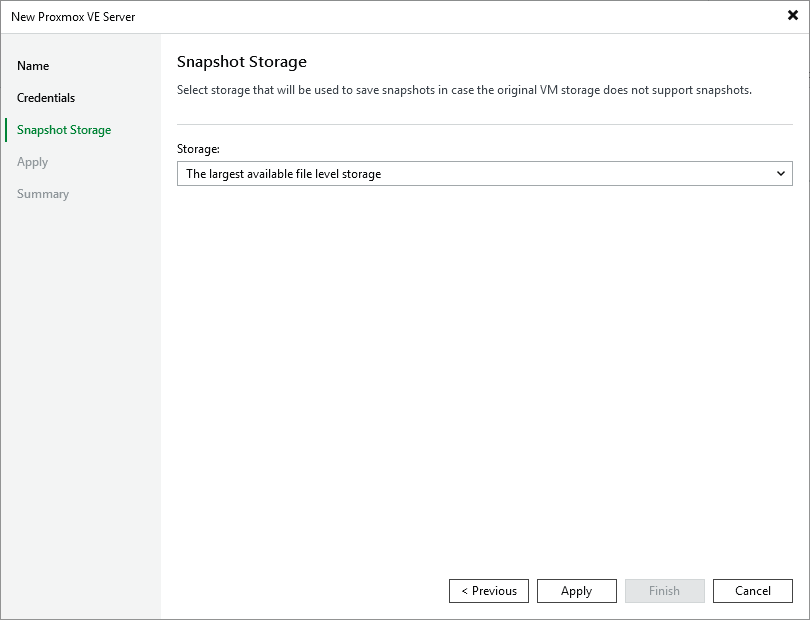
At the Snapshot Storage step of the wizard, choose whether you want to keep snapshots of processed VMs in specific file-level storage or in the largest file-level storage available on the connected Proxmox VE server — but only in case the original VM storage does not support snapshots.
|
Note |
|
Keep in mind that you cannot choose block storage — only file-level storage can be selected. For more information on file-level storage, see Proxmox VE documentation. |